Help Guide
Digital 4K Video Camera Recorder
FDR-AX43/AX43A/AX45/AX45A/AX60
Capturing photos during movie recording (Dual Capture)
You can shoot photos during movie recording.
You cannot shoot photos with this unit's default setting ([
File Format] is [ XAVC S 4K] and [Dual Video REC]
is [On]). Change the setting.
Note
You cannot capture photos during movie recording in the following situation(s):
When [
File Format] is set to [ XAVC S HD] and [Shooting Mode] is set to [High Speed REC].
When [
File Format] is set to [ AVCHD] and [ REC Mode] is set to [Highest Quality ], [60p Quality ]
(1080 60i-compatible device)/[50p Quality
] (1080 50i-compatible device).
When an item of [Picture Effect] is selected.
When [
SteadyShot] is set to [Intelligent Active].
When [
File Format] is set to [ XAVC S 4K] and [ REC Mode] is set to [100Mbps ].
When [
File Format] is set to [ XAVC S 4K] and [Dual Video REC] is set to [On].
Related Topic
REC Mode
Frame Rate
Dual Video REC
Picture Effect
4-734-284-22(1)
Copyright 2020 Sony Corporation
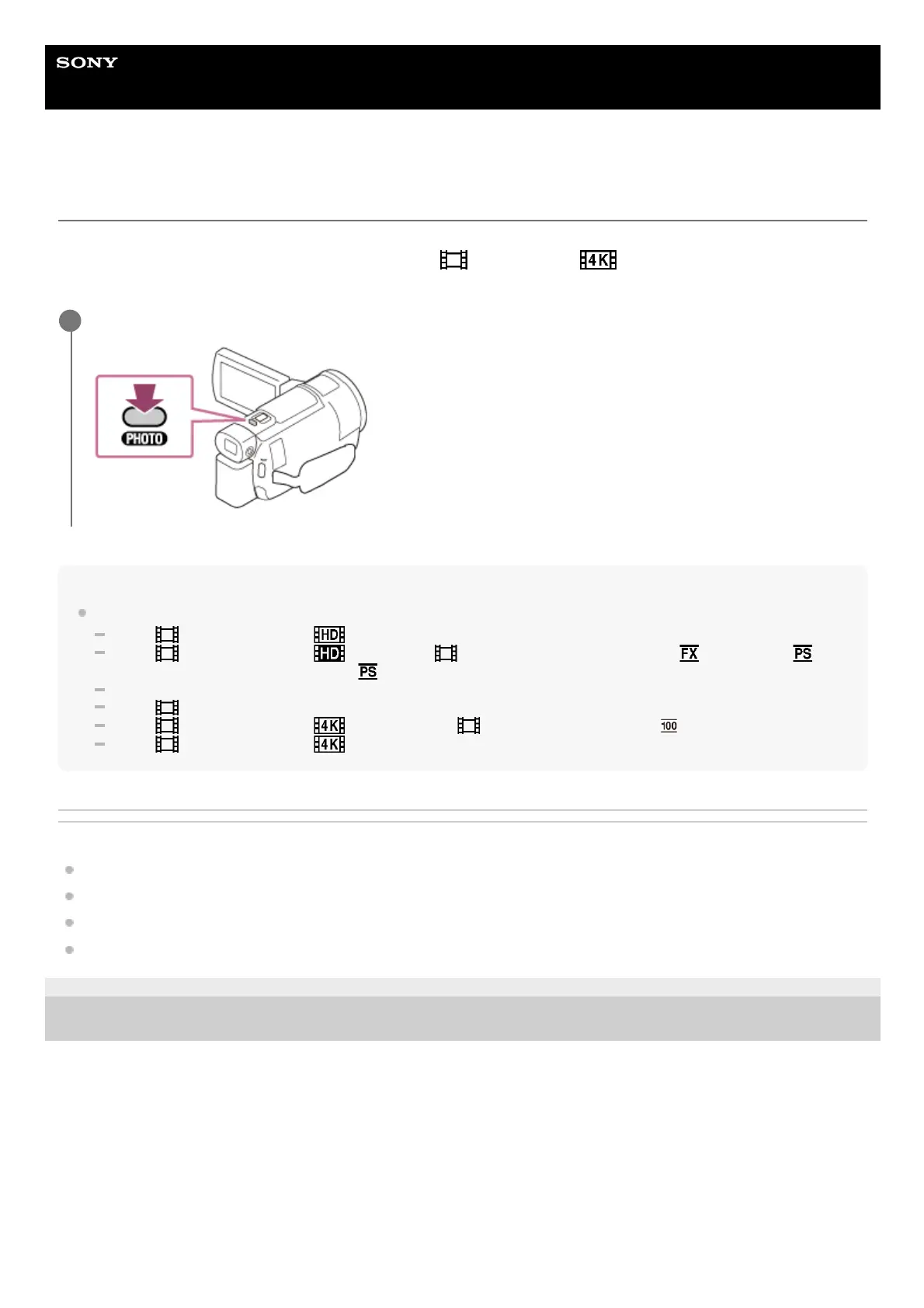
Press PHOTO during movie recording to capture photos.
1



 To Next Page