Help Guide
Digital 4K Video Camera Recorder
FDR-AX43/AX43A/AX45/AX45A/AX60
Intelligent Auto
This product records images after selecting the most suitable setting for the subjects or the situation automatically.
About the detectable scenes
Face detection:
(Portrait), (Baby)
Scene detection:
(Backlight), (Landscape), (Night Scene), (Spotlight), (Low light), (Macro)
Camera-shake detection:
(Walk), (Tripod)
Sound detection:
, (Auto Wind NR)
Note
This product may not detect the expected scene or subject, depending on the recording conditions.
Related Topic
Intelligent Auto is canceled.
4-734-284-22(1)
Copyright 2020 Sony Corporation
Select - [On] - on the recording screen of movies or photos.
To cancel the Intelligent Auto function, select
- [Off] - .
1
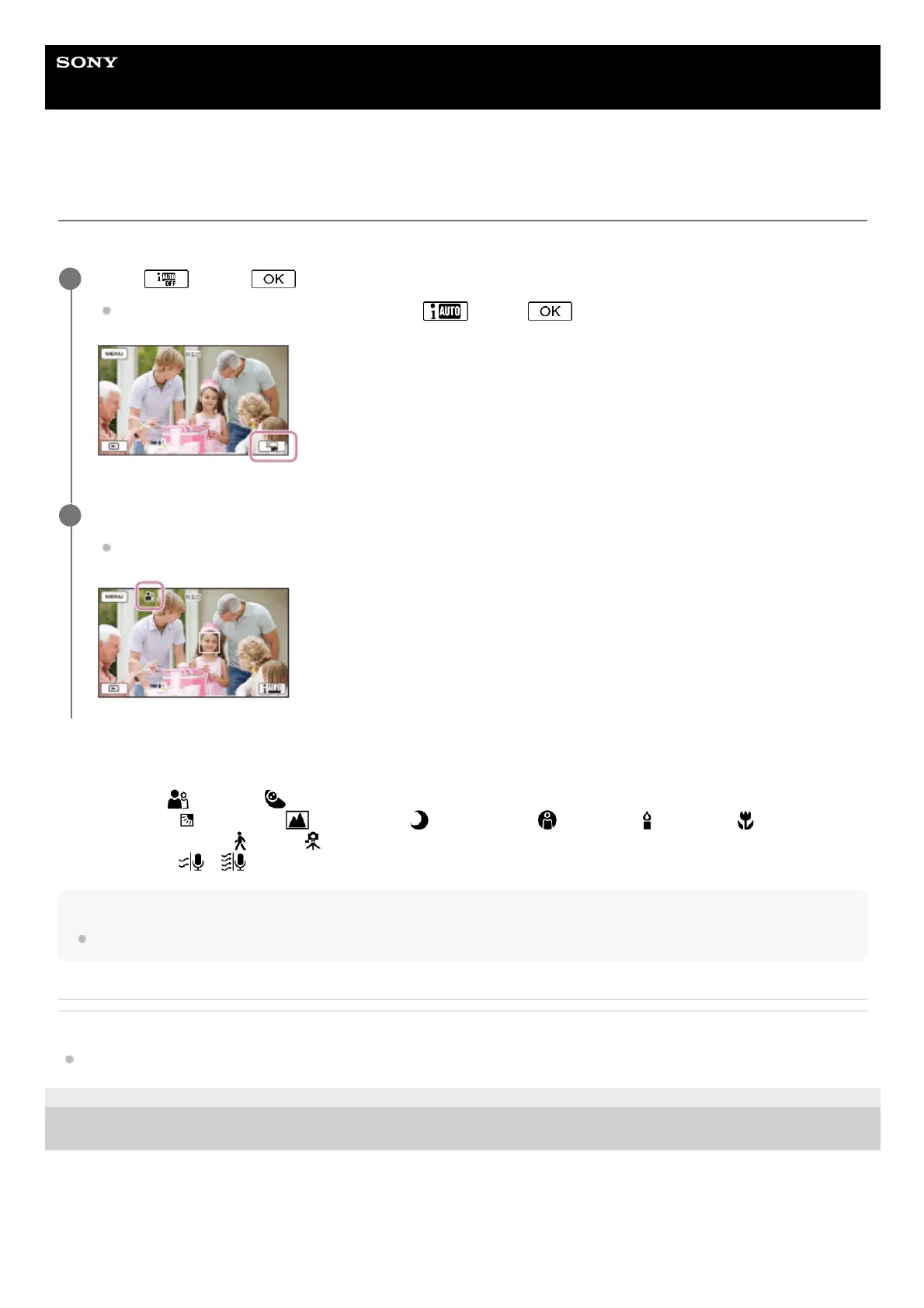
Point this product toward the subject and start recording.
The icons that correspond to the conditions detected are displayed.
2



 To Next Page