Help Guide
Digital 4K Video Camera Recorder
FDR-AX43/AX43A/AX45/AX45A/AX60
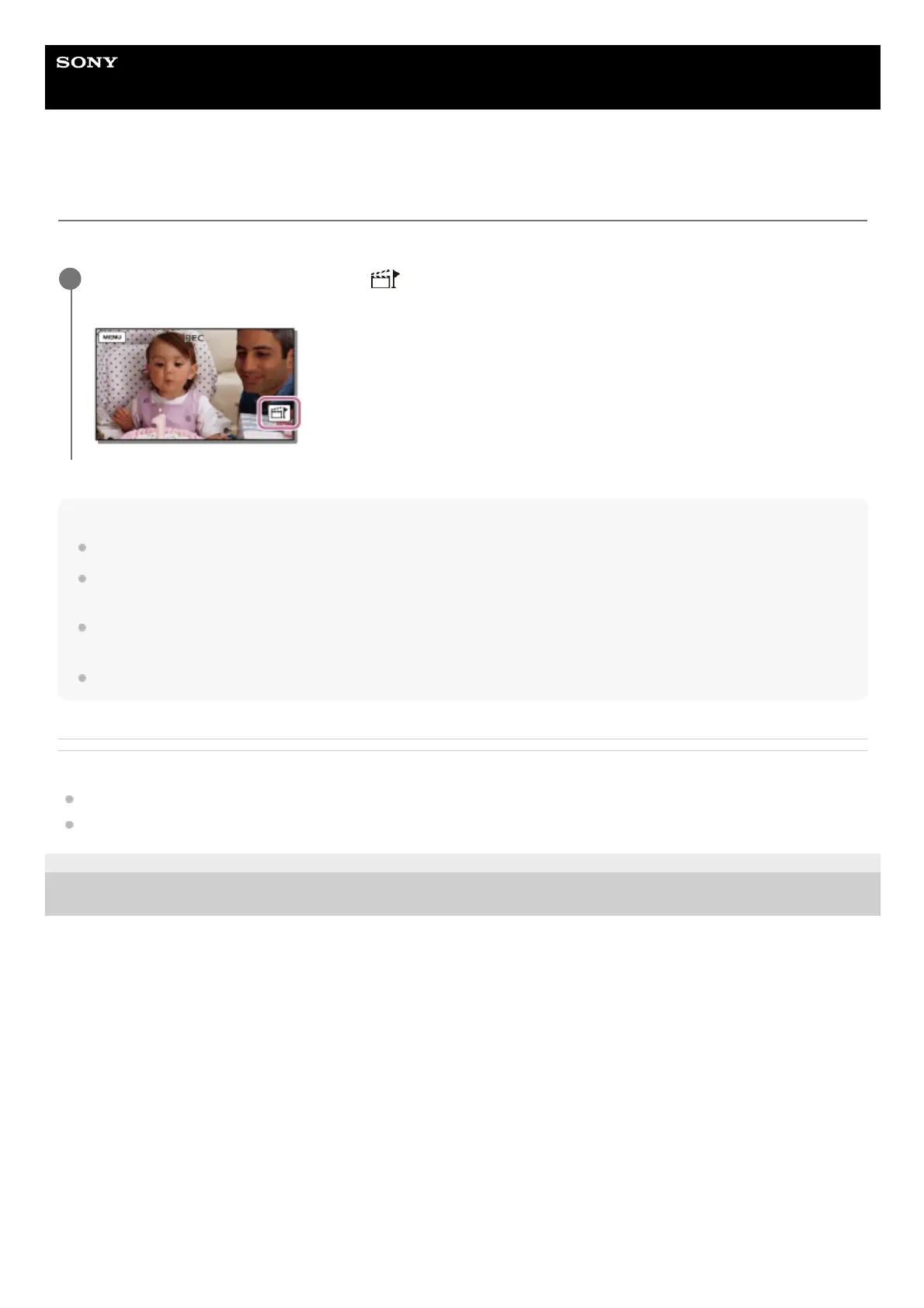
Adding a highlight point during recording
You can specify highlight points (scenes to be included in a highlight movie) during recording.
Note
You can set the highlight points only when [Dual Video REC] is set to [On].
Up to 10 highlight points can be set. If the number of set highlight points has reached 10 points, no more highlight points can be
set. To set a new highlight point, set it when creating the highlight movie.
Highlight points can be set to MP4 movies only that have recorded with [Dual Video REC]. 24p movies can be recorded with
[Dual Video REC], but cannot be used for highlight movies.
Highlight points you set are not always used for the highlight movie.
Related Topic
About Highlight Movie Maker
Creating a highlight movie (MP4 format) with Highlight Movie Maker
4-734-284-22(1)
Copyright 2020 Sony Corporation
On the movie recording screen, select
at the bottom right corner when a scene you want to include in
the highlight movie appears.
1



 To Next Page