Help Guide
Digital 4K Video Camera Recorder
FDR-AX43/AX43A/AX45/AX45A/AX60
Playing MP4 movies (HD movie) (switching the movie format)
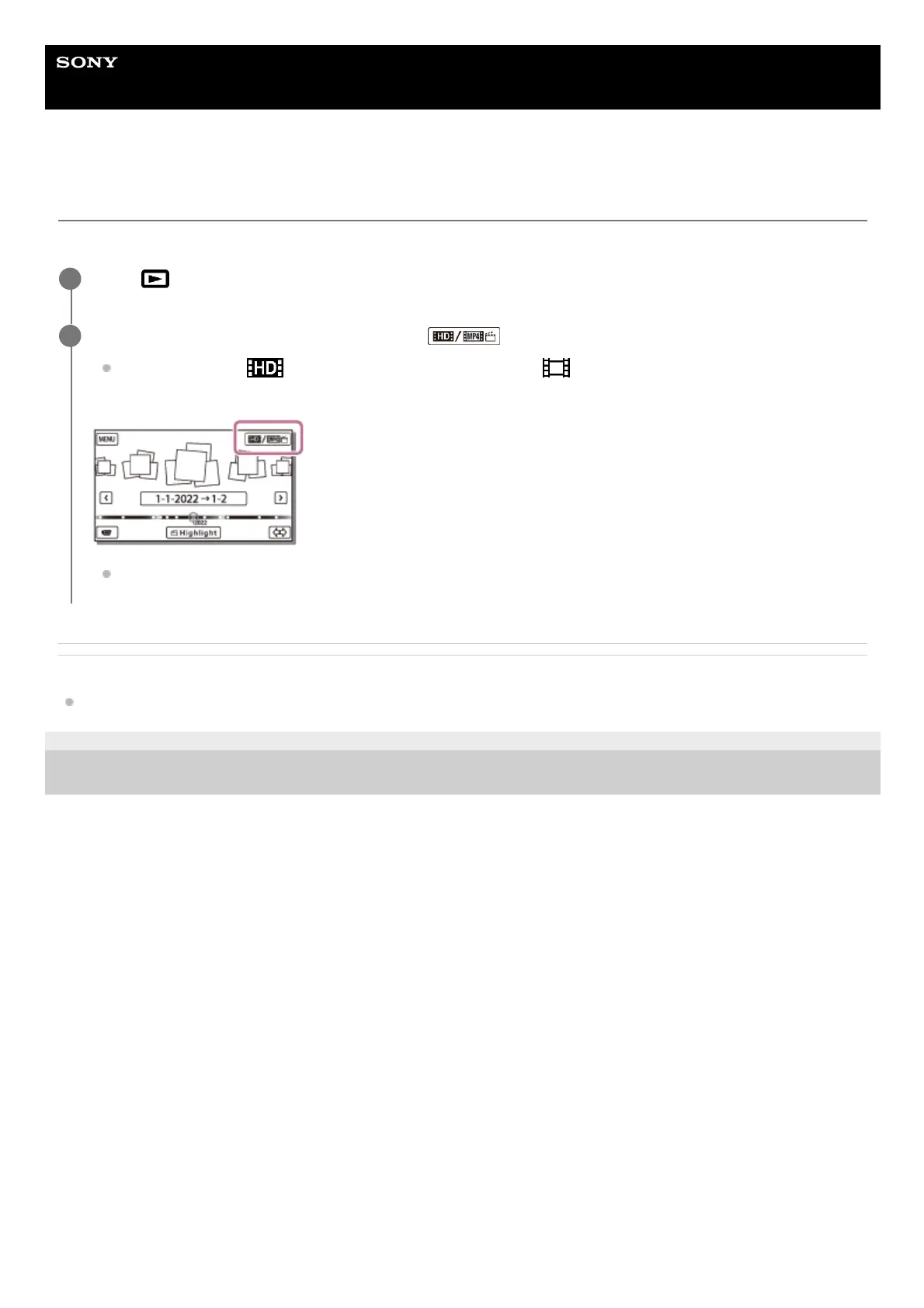
The format of a movie to be played or edited can be changed on the Event View screen.
Related Topic
File Format
4-734-284-22(1)
Copyright 2020 Sony Corporation
Press
(View Images) to enter the playback mode.
1
Select the movie format you want to play from at the top right corner of the LCD monitor.
An icon other than
may be displayed depending on the [ File Format] setting and playback movie
format setting.
The format of a movie to be played or edited will be switched.
2



 To Next Page