Help Guide
Digital 4K Video Camera Recorder
FDR-AX43/AX43A/AX45/AX45A/AX60
Connecting this product to a non-high-definition TV
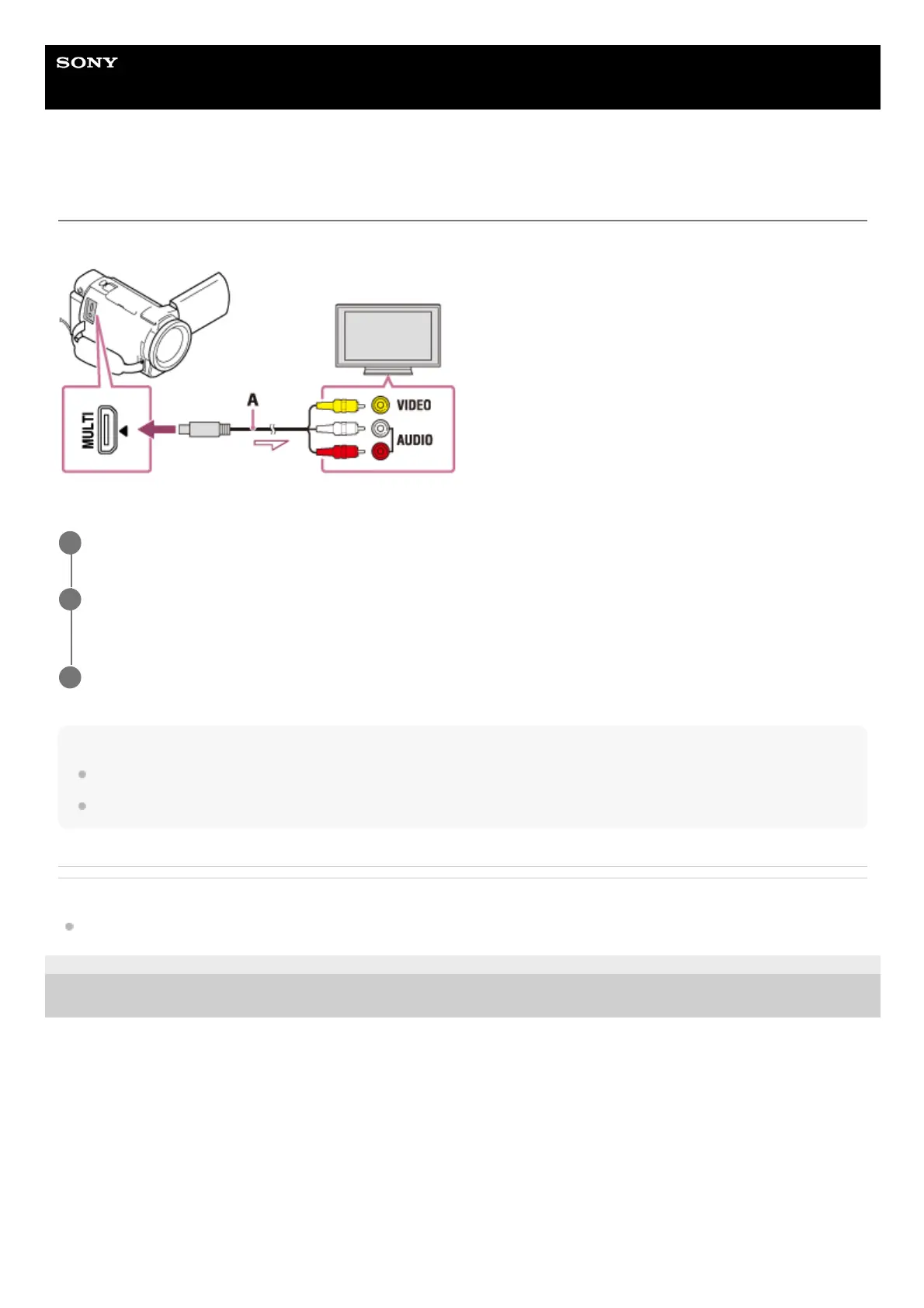
Play back images with this product connected to a TV by an AV cable (sold separately).
A: AV cable (sold separately)
Note
Refer to the instruction manuals of the TV as well.
Use the supplied AC Adaptor as the power source.
Related Topic
TV Type
4-734-284-22(1)
Copyright 2020 Sony Corporation
Switch the input on the TV to the connected jack.
1
Connect the Multi/Micro USB terminal of this product and the VIDEO/AUDIO jack of your TV using an AV
cable (sold separately).
2
Play a movie or a photo on this product.
3



 To Next Page