Exposure: Preset White Balance
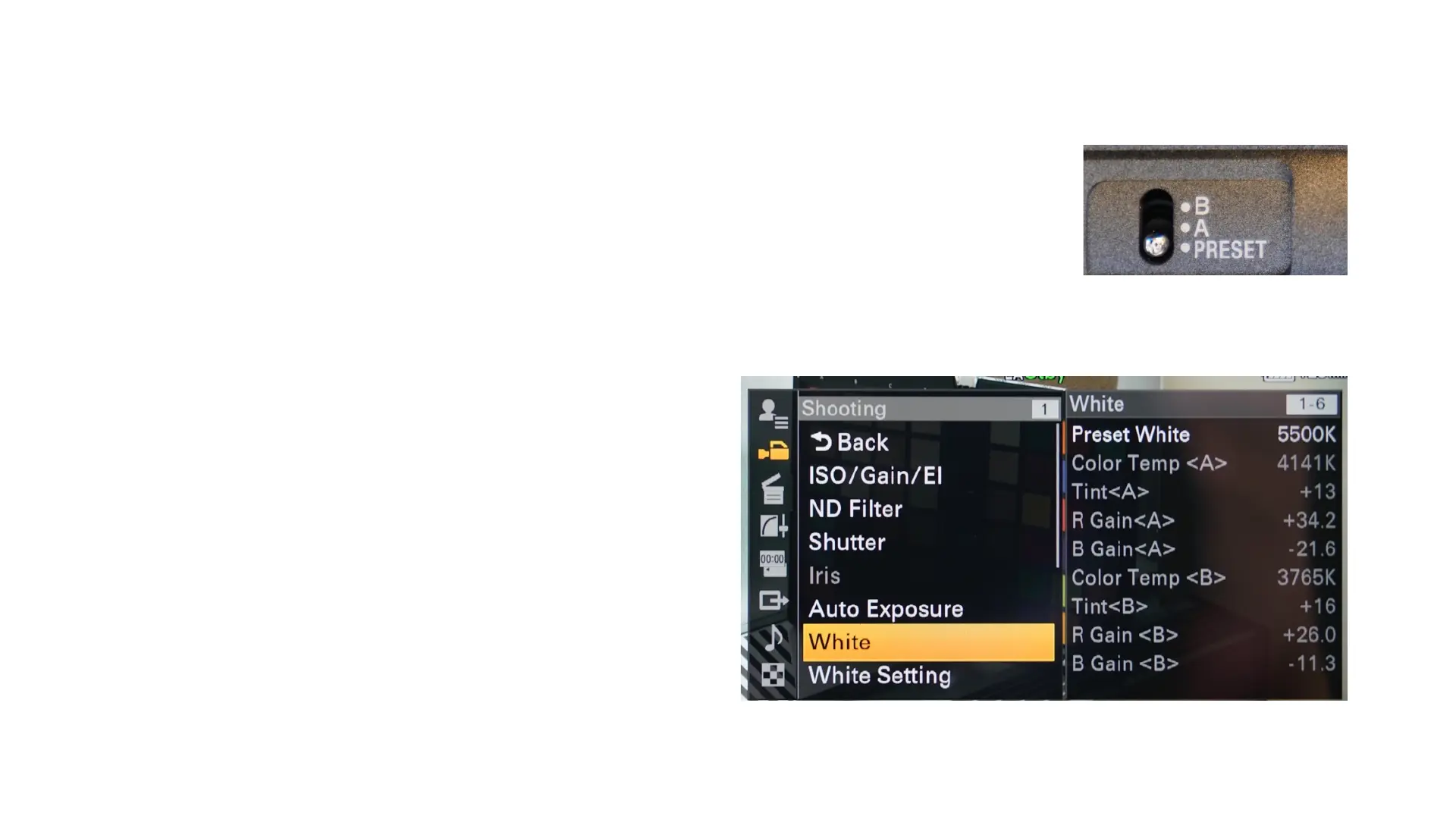
Turn the switch on the side to Preset.
Go into the Full menu: Shooting/White/Preset White and set the color
temperature to your liking.
Common Color Temperature Settings:
LCD monitor: 6500K
Daylight (at mid-day): 5500 K
Florescent indoor: 4300K
Tungsten Indoor light: 3200K
Street lights (not LED) : 3200K
Incandescent indoor light: 2500K



 To Next Page