Exposure: Zebra
Zebra stripes and levels are used to judge
overexposure.
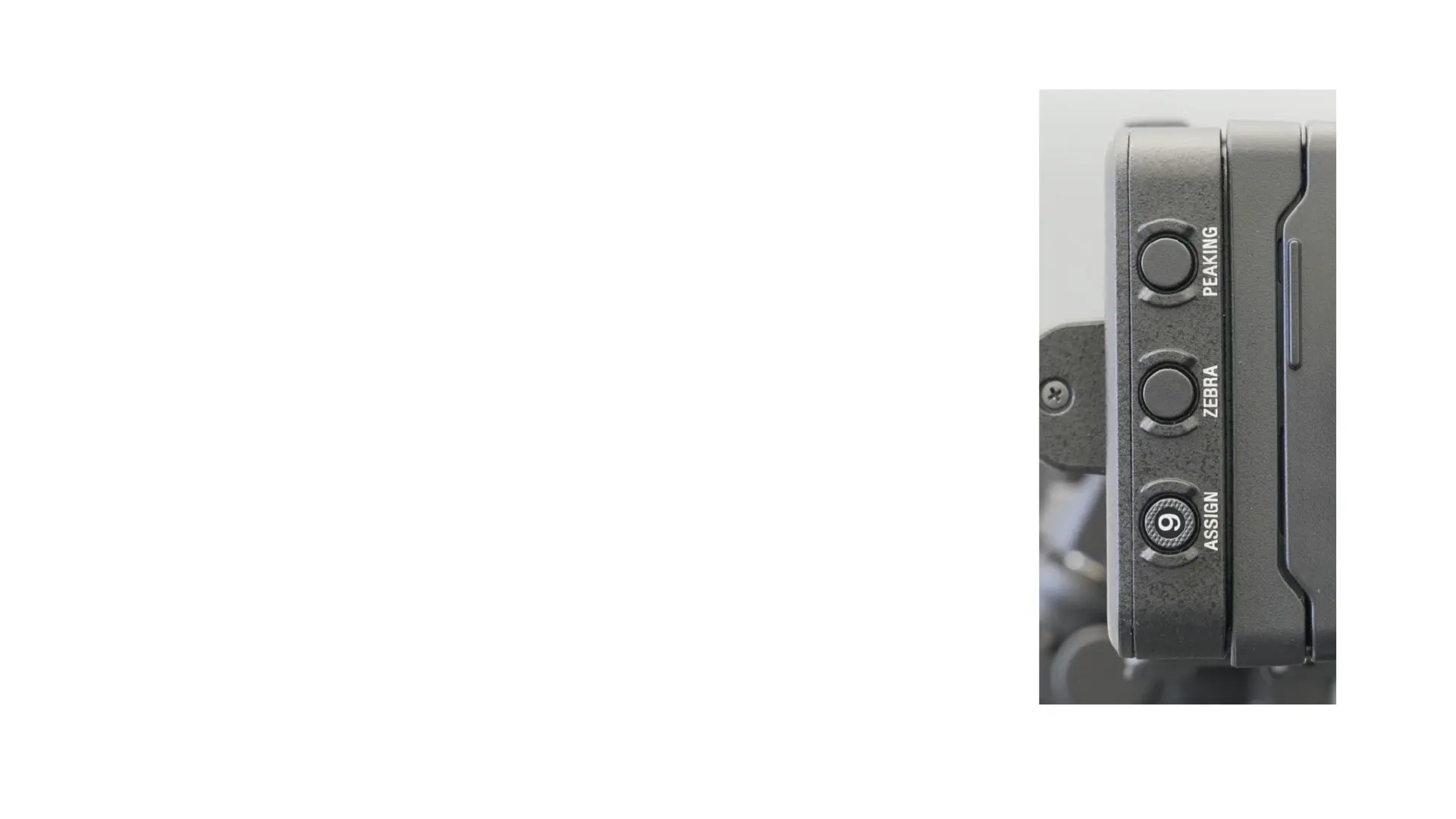
They can be turned on with Zebra button on the side of
the LCD. Striped lines appear over the image to indicate
overexposure at 100 percent IRE or at another value.
Button 9 turns on the waveform monitor (or histogram
or vectorscope as you keep pressing it) in the display.
The zebra level settings (there are two) will appear in
the waveform monitor as yellow lines.
If you turn on the stripes in the Zebra menu (next
page), they will appear over the image. I usually avoid
this.



 To Next Page