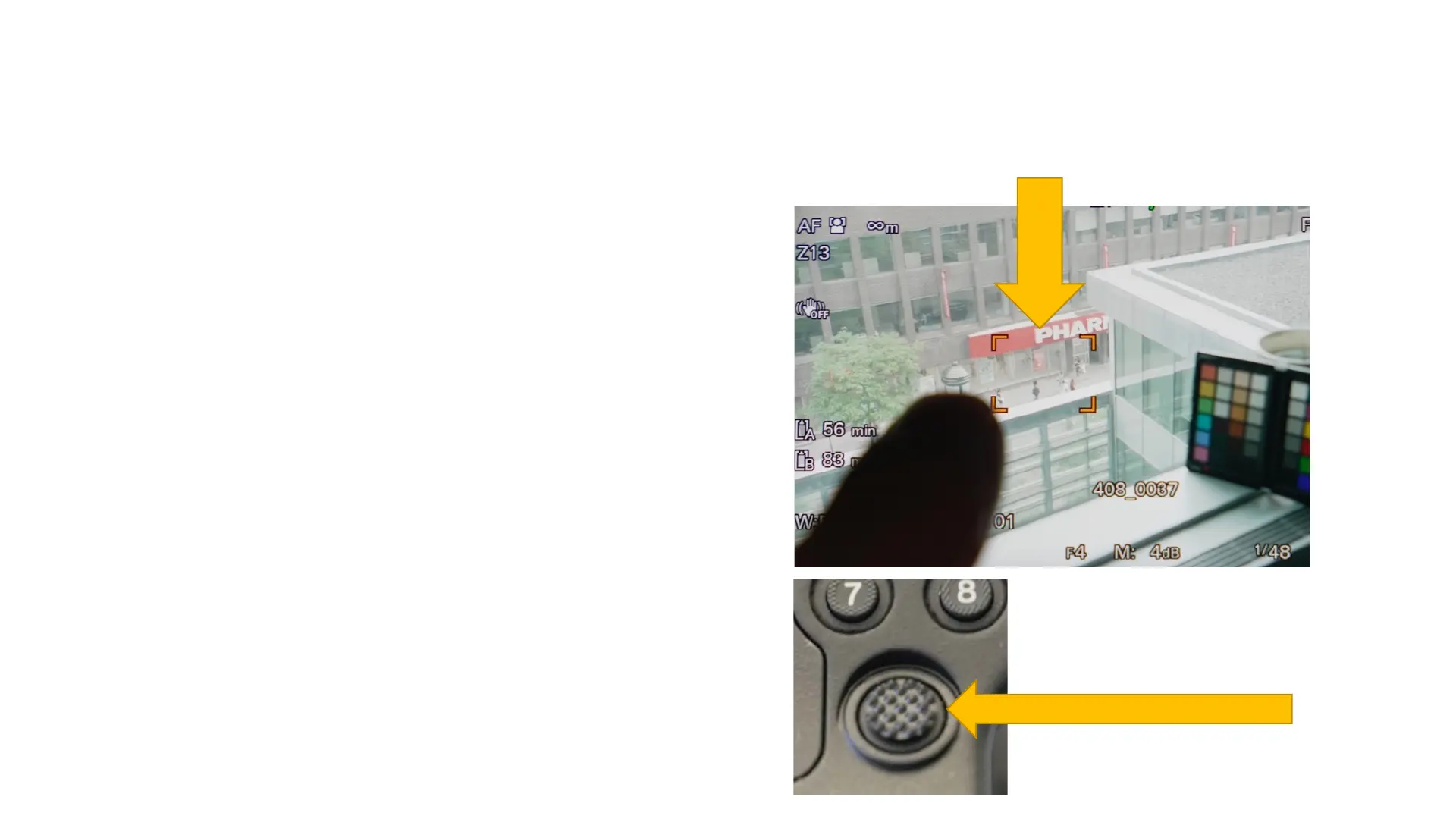
Focusing: Flexible Spot Auto Focus
Pressing button 3 will highlight the
focus area. It will appear as an
orange square.
This flexible spot can be moved
with your finger on the LCD screen
or simply tap the screen to move it
to a different part of the image.
You can also adjust this flexible
spot with the multi-selector on the
top handle or hand grip.
Flexible spot
Multi-selector



 To Next Page