Focusing: Auto Focus Tracking
The second type of auto focus is auto focus
tracking.
To auto focus track objects, you first have
to exit the flexible spot auto focus by
pressing button 3. When the flexible spot
square is not orange, then you have exited
that type of auto focus.
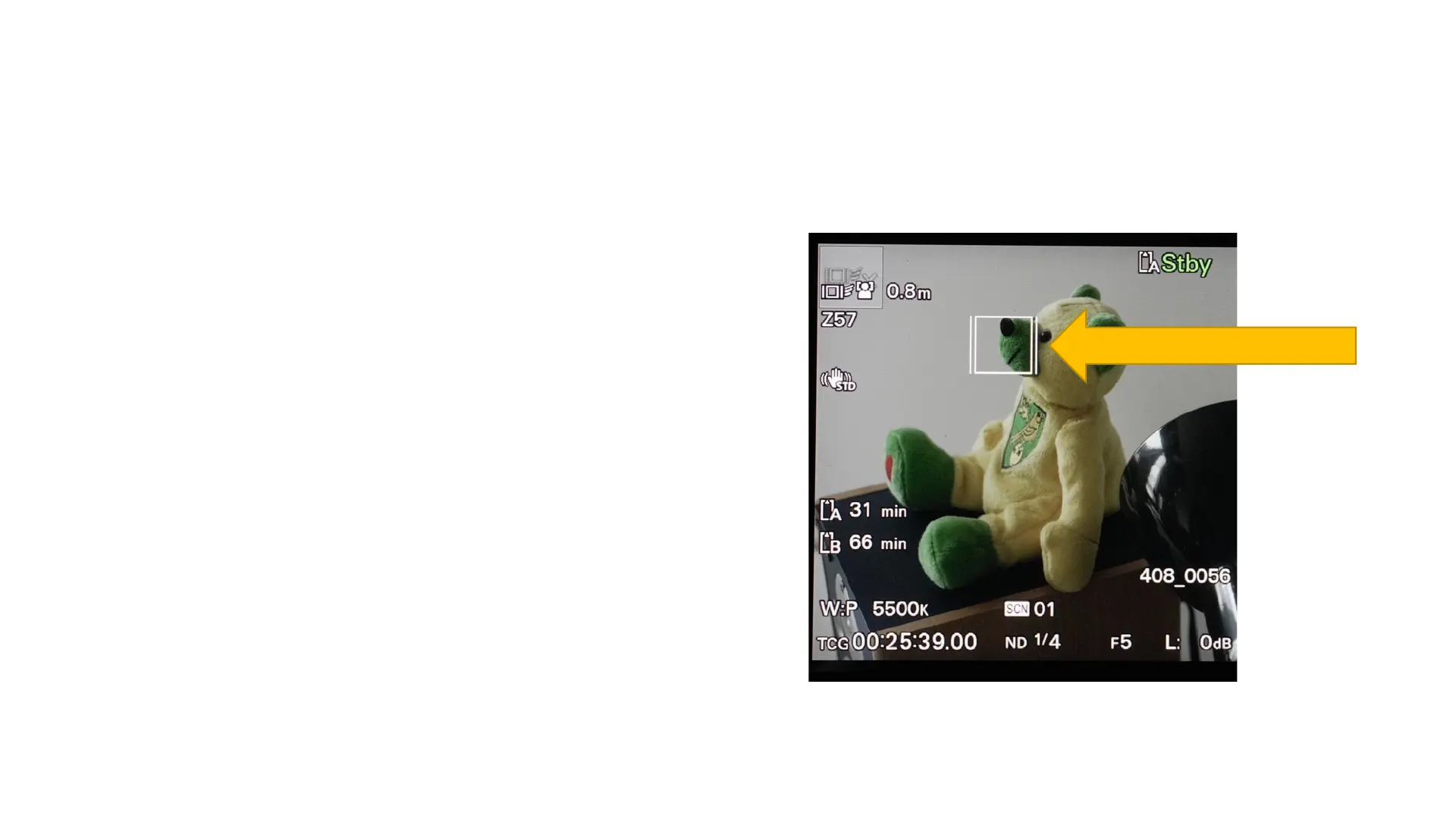
Now, simply press on an object on the touch
screen. A white box will appear on it. The
box should remain with the object as it (or
the camera) moves. This is the tracking box.
You can select another object on the touch
screen to begin tracking that new object.
Tracking box



 To Next Page