68
Элeмeнты мeню отобpaжaютcя в видe
cлeдyющиx знaчков:
VCR SET
TAPE SET
SETUP MENU
OTHERS
Измeнeниe ycтaновок мeню
Menu items are displayed as the following
icons:
VCR SET
TAPE SET
SETUP MENU
OTHERS
Changing the menu settings
English
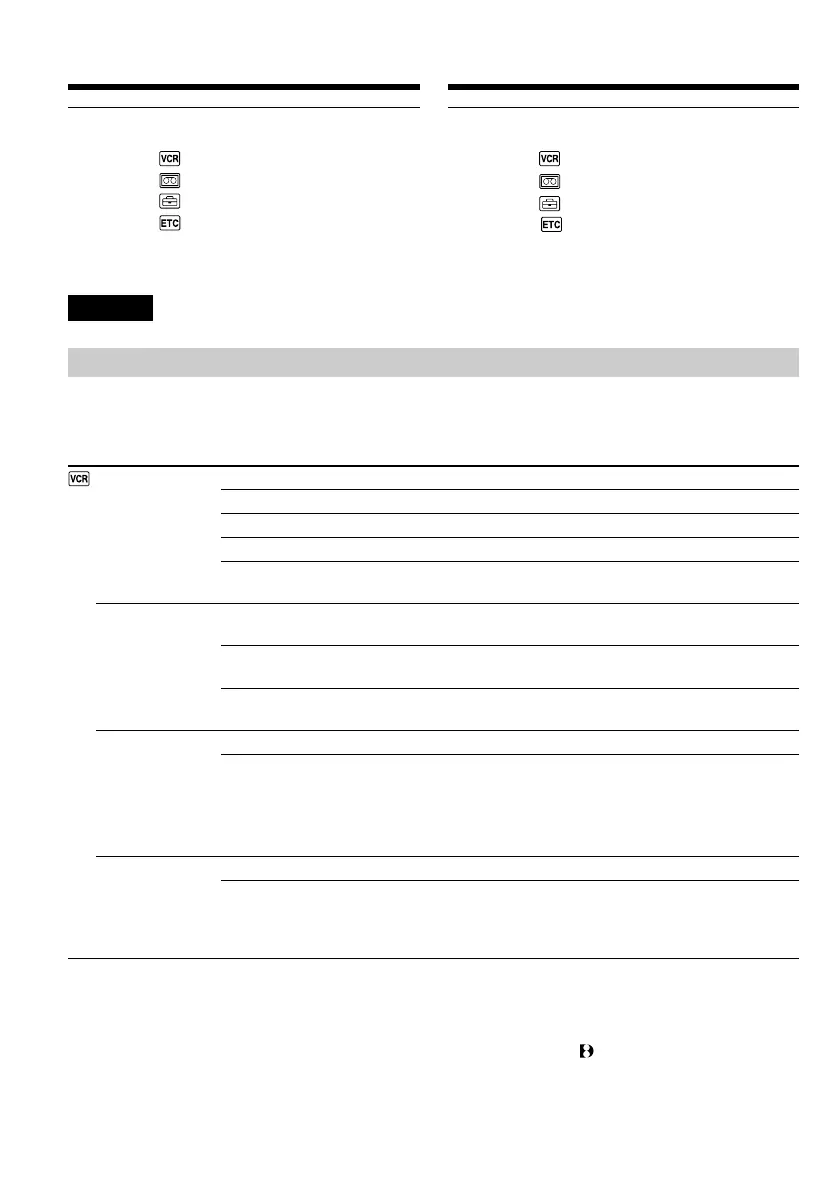
Selecting the mode setting of each item z is the default setting.
The monitor screen shows only the items you can operate at the moment.
* When you play back tapes recorded in the Hi8/standard 8 system only.
Note on P EFFECT
The picture effect function works only for tapes recorded in the Digital8 system.
Icon/item
P EFFECT
HiFi SOUND
TBC*
TBC stands for “Time Base Corrector.”
DNR*
DNR stands for “Digital Noise Reduction.”
Mode
z OFF
NEG.ART
SEPIA
B&W
SOLARIZE
Meaning
No special effects are obtained for images
The colours and brightness of the image are reversed
The image is sepia
The image is monochrome (black-and-white)
The light intensity is clearer, and the image looks like an
illustration
To play back a stereo tape or dual sound track tape with
main and sub sound (p. 80)
To play back a stereo tape with the left sound or a dual
sound track tape with main sound
To play back a stereo tape with the right sound or a dual
sound track tape with sub sound
To correct jitter
To not correct jitter. Set TBC to OFF when playing back a
tape on which you have dubbed over and recorded the
signals of a TV game or similar machine
To reduce picture noise
To reduce a conspicuous afterimage when the picture has
a lot of movement
z STEREO
1
2
z ON
OFF
z ON
OFF






 To Next Page