EasyManua.ls Logo

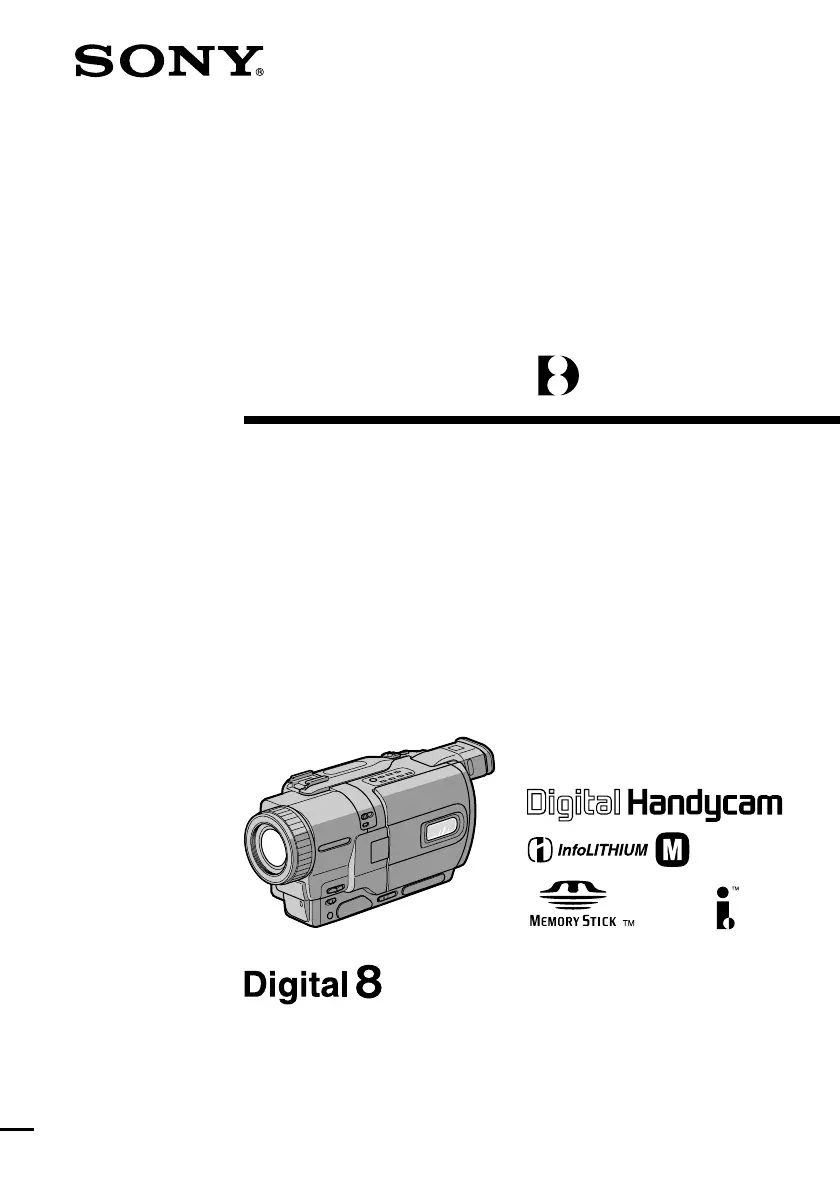
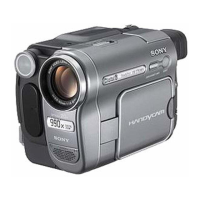
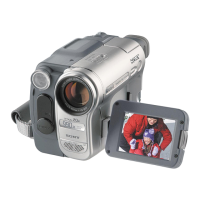
Sony Handycam DCR-TRV828E - User Manual

Sony Handycam DCR-TRV828E
232 pages
Print Icon
To Next Page IconTo Next Page
Loading...
SERIES
TM
©2001 Sony Corporation
Operating Instructions
Before operating the unit, please read this manual thoroughly, and retain
it for future reference.
ИНСТРУКЦИЯ ПО ЭКСПЛУАТАЦИИ
Перед эксплуатацией аппарата внимательно прочтите,
пожалуйста, данное руководство и сохраняйте его для
дальнейших справок.
3-066-522-12 (1)
DCR-TRV725E/TRV730E/TRV828E/
TRV830E
Digital
Video Camera
Recorder
DCR-TRV830E

Table of Contents

Questions and Answers

  • M
    Michelle GrimesAug 11, 2025
    Why is the image on my Sony Camcorder viewfinder screen not clear?
    • B
      bridgeskayleeAug 11, 2025
      If the image on your Sony Camcorder's viewfinder screen is unclear, several factors could be the cause. Ensure the viewfinder lens is properly adjusted. Check that STEADYSHOT is set to ON in the menu settings. If FOCUS is set to MANUAL, switch it to AUTO. If shooting conditions aren't suitable for autofocus, manually adjust the focus. Closing the LCD panel may also improve clarity. Lastly, confirm you're using Hi8/Digital8 tapes instead of standard 8 tapes.
  • T
    timothyglennAug 21, 2025
    What to do if some tiny white spots appear on the screen of Sony Handycam DCR-TRV828E?
    • G
      Gregory BridgesAug 21, 2025
      If you notice some tiny white spots appearing on your Sony Camcorder screen, it may be due to the slow shutter, low lux, or Super NightShot mode being activated. This is not a malfunction.
  • R
    rachel48Aug 30, 2025
    What to do if Sony Camcorder START/STOP does not operate?
    • P
      Paul SwansonAug 30, 2025
      If the START/STOP button on your Sony Camcorder isn't working, there could be several reasons. First, ensure the POWER switch is set to CAMERA. Also, check if the tape has run out and rewind or insert a new one if necessary. The write-protect tab might be exposing the red mark, so use a new tape or slide the tab. If moisture condensation has caused the tape to stick, remove the cassette and let the camcorder acclimatize for at least 1 hour. If the camcorder has been in standby mode in CAMERA mode for more than 3 minutes, set the POWER switch to OFF (CHG) and then back to CAMERA. Finally, make sure the battery pack isn't dead or nearly dead; install a fully charged battery pack if needed.

Sony Handycam DCR-TRV828E Specifications

General IconGeneral
BrandSony
ModelHandycam DCR-TRV828E
CategoryCamcorder
LanguageEnglish

Related product manuals