Help Guide
Sound Bar
HT-A3000
Adjusting the Delay Between the Picture and Sound
5-034-491-11(1) Copyright 2022 Sony Corporation
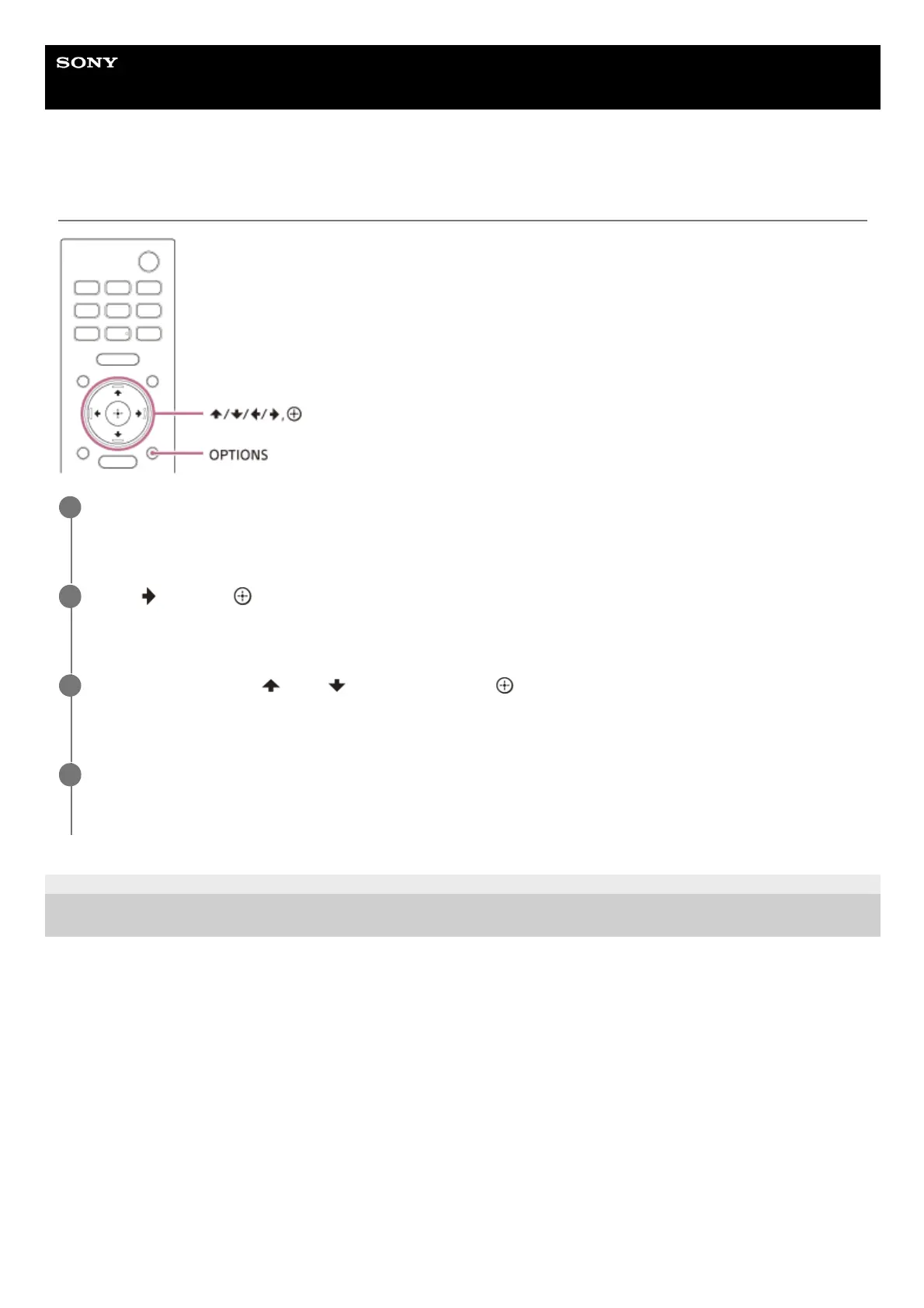
Press OPTIONS.
[SYNC] appears in the front panel display.
1
Press
(right) or (enter).
The adjusting time appears in the front panel display.
2
Adjust the delay using
(up)/ (down), then press (enter).
You can adjust from 0 msec to 300 msec in 25 msec increments.
3
Press OPTIONS.
The options menu in the front panel display turns off.
4


 To Next Page
 Loading...













