Help Guide
Portable Theatre System
HT-AX7
Pairing with a Mac
Supported operation systems
macOS Catalina (version 10.15)
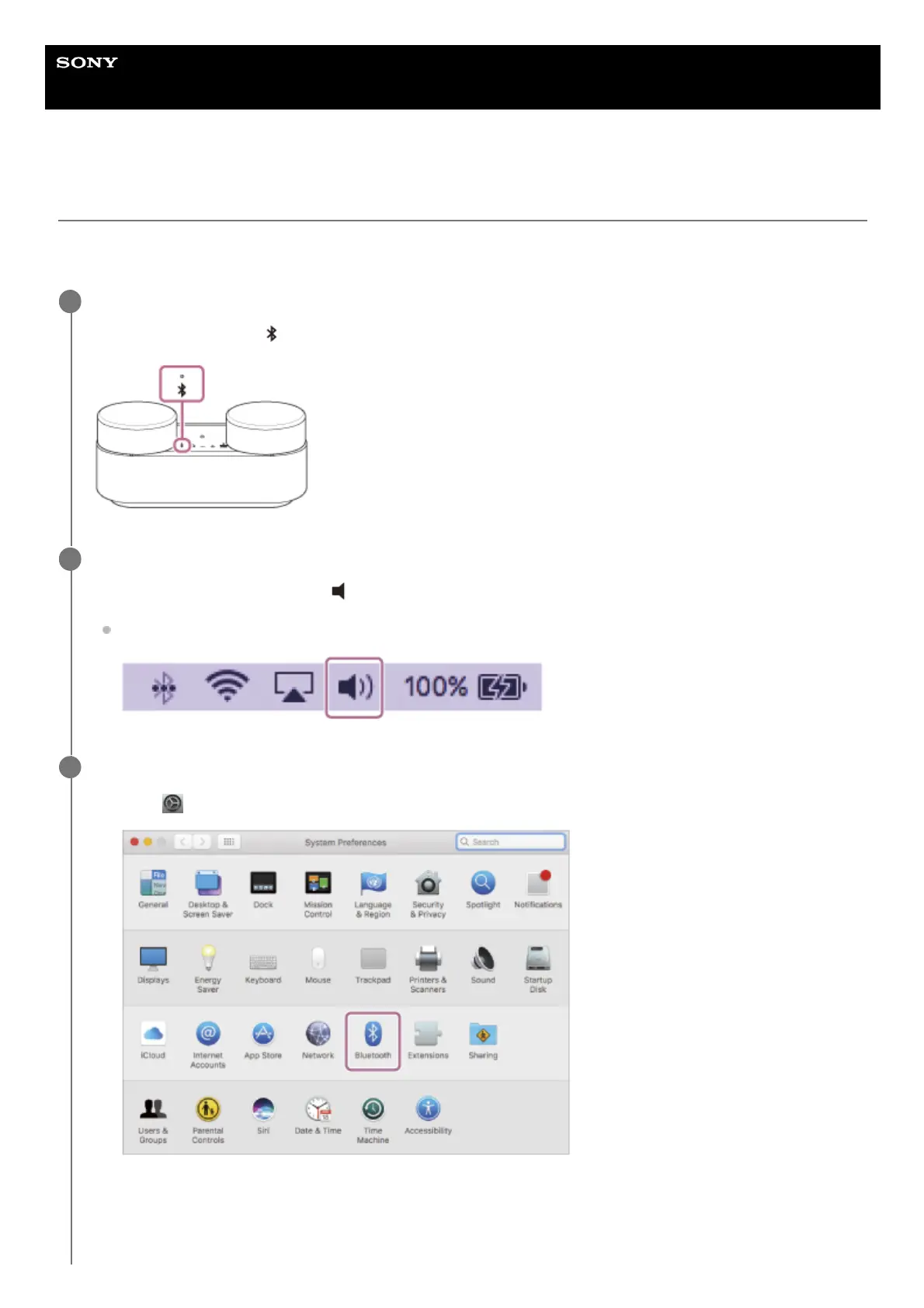
Check that the speaker system is in pairing mode.
During pairing mode, the
(BLUETOOTH) indicator on the front speaker flashes twice repeatedly.
1
Set the speaker of your Mac to on.
If the speaker of your Mac is set to
(mute), sound is not output on the speaker system.
When the speaker of your Mac is set to on
2
Search for the speaker system on the Mac.
3
Click [
(System Preferences)] - [Bluetooth] in the taskbar on the right-bottom of the screen.
1.
Select [HT-AX7] from the Bluetooth screen, then click [Pair].
2.



 To Next Page