Note
The above operation is an example. For details, refer to the operating instructions of your computer. In addition, not all the
computers are tested and found compatible with the above procedure. The procedure is not applicable to home-built computers.
Hint
You can connect the speaker system concurrently with up to 2 BLUETOOTH devices. (Multipoint connection)
Related Topic
Preparation: Setting the Speaker System to Pairing Mode
Notes on Pairing
Connecting the Speaker System Concurrently with 2 BLUETOOTH Devices (Multipoint Connection)
Playing Content from BLUETOOTH Connected Devices
Terminating the BLUETOOTH Connection (After Use)
5-048-914-11(1) Copyright 2023 Sony Corporation
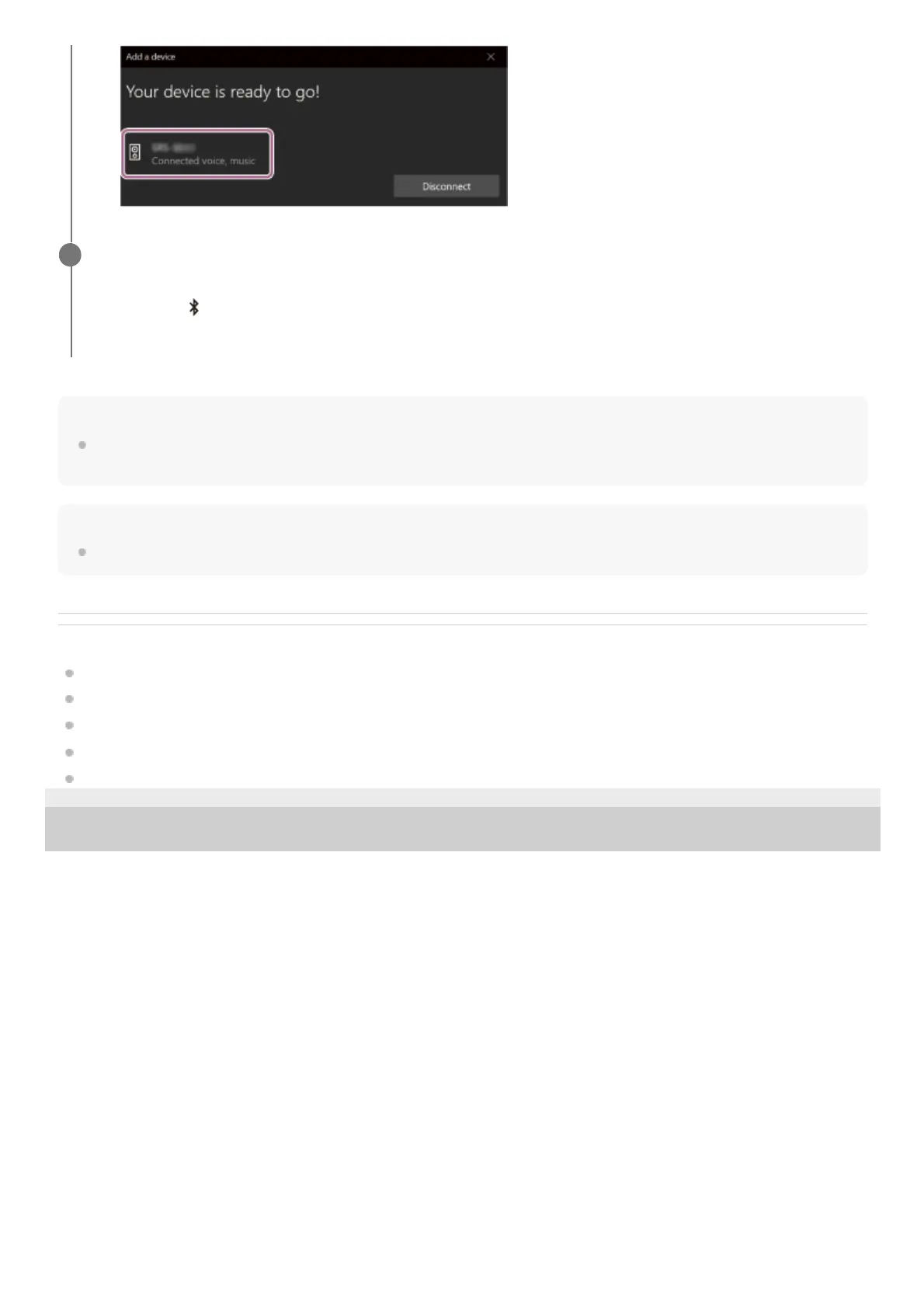
Follow the on-screen instructions to establish a BLUETOOTH connection.
When the BLUETOOTH connection is established, you hear a beep sound from the speaker system, and the
activity of the
(BLUETOOTH) indicator on the front speaker changes from flashing to lit.
If you cannot establish a connection, start from “Preparation: Setting the Speaker System to Pairing Mode” again.
4


 To Next Page