By connecting Sony components that are
compatible with "BRAVIA" Sync via an HDMI
cable (not supplied), operation is simplified as
below:
• One-Touch Play (page 20)
• System Audio Control (page 21)
• System Power Off (page 22)
"BRAVIA" Sync is compatible with Sony TVs.
Blu-Ray Disc/DVD players, AV amplifiers, etc..
with the Control for HDMI timction.
CONTROL FOR HDMI is a nmtual control
limction standard used by CEC (Consumer
Electronics Control) for HDMI (High-Definition
Multimedia Interlace).
The Control for HDMI function will
not operate correctly in the
following cases:
• When you connect the system to components
which do not correspond with the Control for
HDMI function.
• When you connect the system and components
using other than an HDMI connection.
• When you connect non-Sony components
which are compatible with the Control for
HDMI function.
We recommend that you connect products
featuring "BRAVIA" Sync to this system.
I _,t'lS'l_
• Depending on the connected components, the Control
t_r HDMI function may not work. Refer to the
operating instructions of the components.
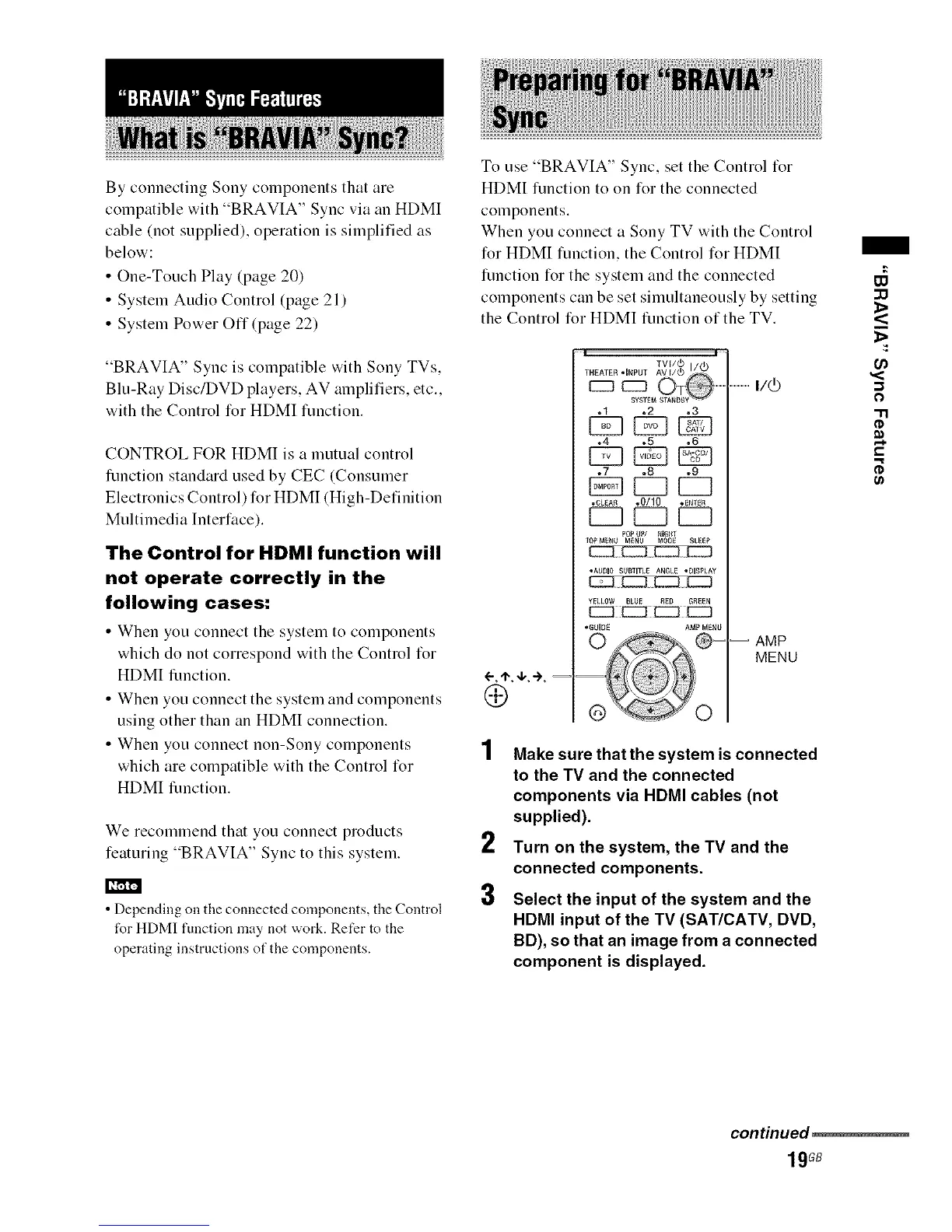
To use "BRAVIA" Sync. set the Control ti_r
HDMI timction to on for the connected
components.
When you connect a Sony TV with the Control
for HDMI timction, the Control for HDM[
limction for the system and the connected
components can be set simultaneously by setting
the Control for HDM[ timction of the TV.
2
3
% I'-
.1 .2 .3
CZ] EB
•4 .5 ,6
.7 .8 .9
[Z? [ZZ]
•CLEA_ .0110 *ENTER
POPUP/ NIGIIT
TOPM_NU MENU MODE SLEEP
• AUDIO SUBTITLE ANGLE "DISPLAY
- } $
YELLOW BLUE RED GREEN
EEB
•GUIOE AMP MENU
--d i
®' O
.................I/(_
-- AMP
MENU
Make sure that the system is connected
to the TV and the connected
components via HDMI cables (not
supplied).
Turn on the system, the TV and the
connected components.
Select the input of the system and the
HDMI input of the TV (SAT/CATV, DVD,
BD), so that an image from a connected
component is displayed.
:13
U_
0
@
€,.
g
continued_
19GB



 To Next Page