Help Guide
Sound Bar
HT-S2000
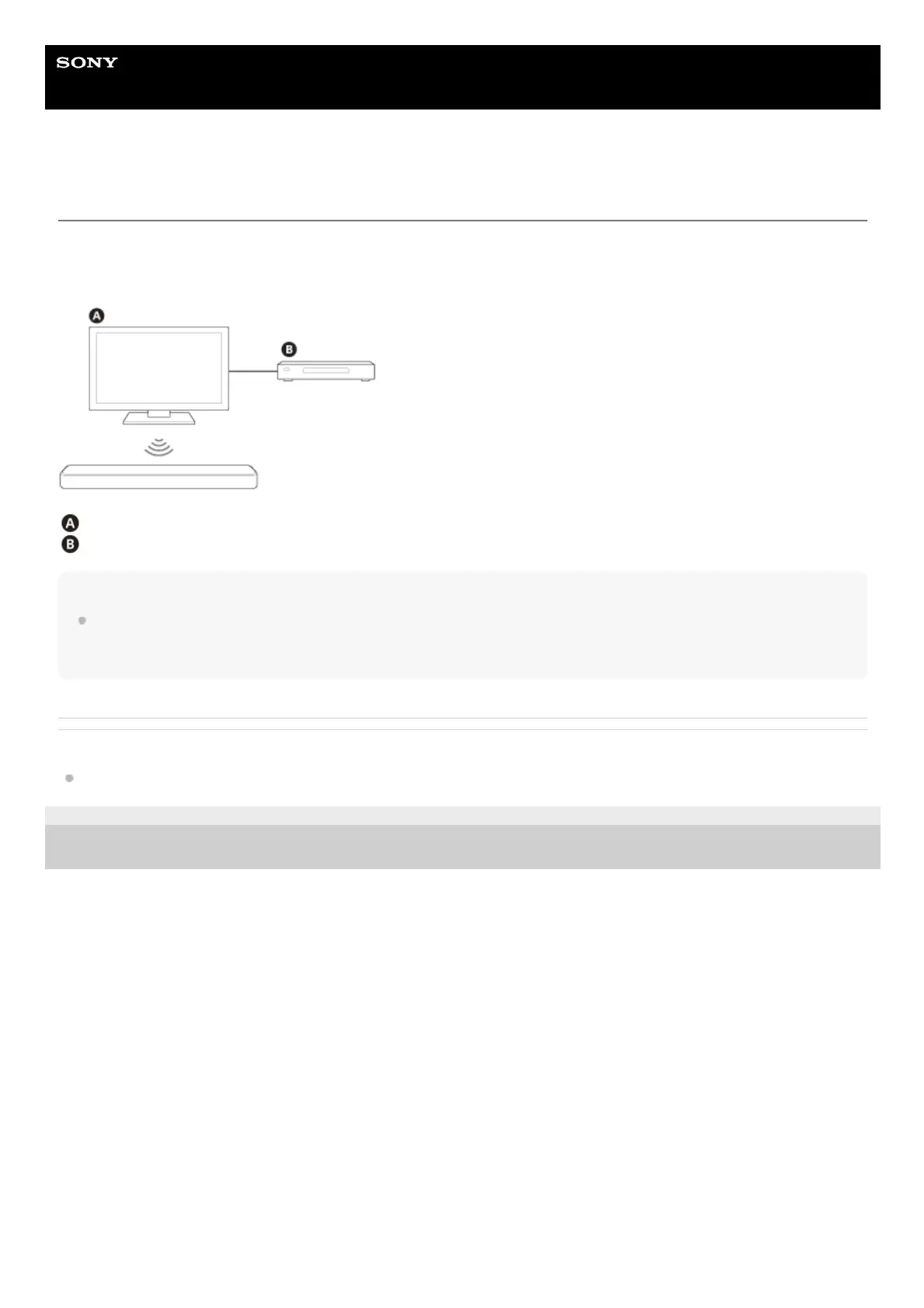
What You Can Do by Connecting a TV with the BLUETOOTH Function
When using Sony TV(*) with the BLUETOOTH function, you can listen to sound of the TV or device that is connected to
the TV wirelessly by connecting the speaker system and TV with the BLUETOOTH function.
Sony TV
Blu-ray Disc™ player, set-top box, cable box, satellite box, gaming console, etc.
Note
If connecting the speaker system and TV by using the BLUETOOTH function, you cannot use functions of the speaker system
other than the listening function for the sound of the TV or device that is connected to the TV.
To use all the functions of the speaker system, connect the speaker system and TV with the HDMI cable (supplied).
Related Topic
Setting the Wireless Function to On or Off
5-045-382-11(1) Copyright 2022 Sony Corporation
The TV needs to be compatible with A2DP (Advanced Audio Distribution Profile) of the BLUETOOTH profile.
*



 To Next Page