Help Guide
Sound Bar
HT-S2000
Troubleshooting
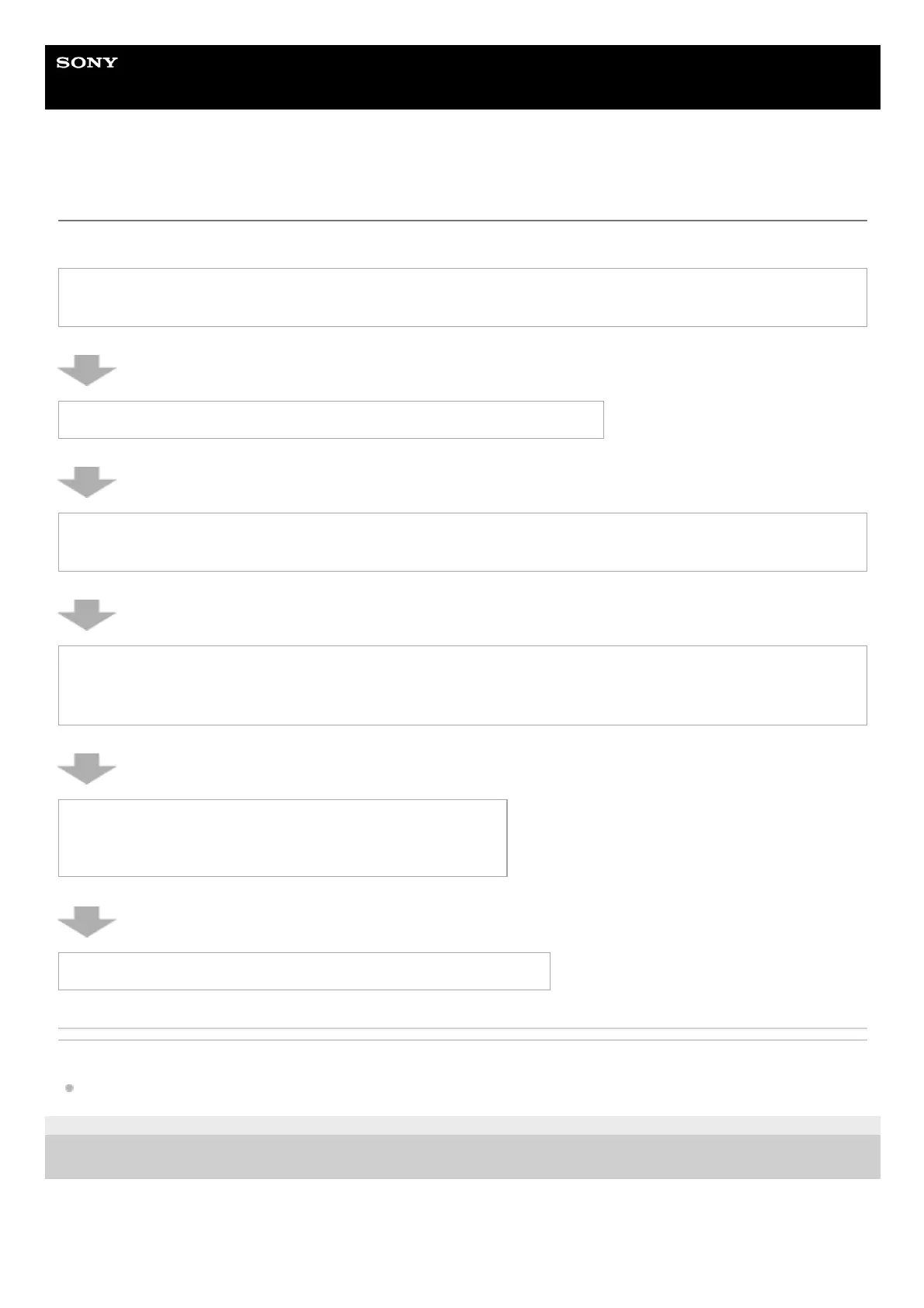
If you have any problems, please follow the process below.
Related Topic
Resetting the Speaker System
5-045-382-11(1) Copyright 2022 Sony Corporation
1. Check that the cables such as HDMI cable that connect the speaker system to other devices such as a TV
are connected in the correct position and firmly inserted all the way to the back.
2. Check that the ventilation holes of the speaker system are not blocked.
3. Disconnect the AC power cord (mains lead) from the wall outlet (mains), and then reconnect after several
minutes.
4. Access the Sony support site from the menu of the “Sony | Home Entertainment Connect” app to search for
the cause and solution of the issue, or check the support site below.
https://www.sony.net/support/HT-S2000/
5. Reset the speaker system.
All the settings of the speaker system return to their initial status.
6. Should any problems persist, consult your nearest Sony dealer.



 To Next Page