Creating Your Own Audio Message to microSD 20190405-21.docx © 2016 MegaVoice Ltd. Page 4 of 51
Table of Figures
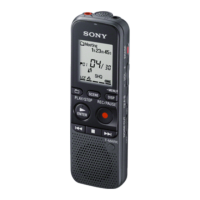
Figure 1: Sony ICD-PX333 digital voice recorder ........................................................................................................... 7
Figure 2: Sony IC recorder File Structures ................................................................................................................... 13
Figure 3: Olympus VN-722PC recorder ....................................................................................................................... 16
Figure 4: Headset with microphone, earphones and two 3.5mm jacks ..................................................................... 30
Figure 5: Headset with microphone, earphones and two 3.5mm jacks ..................................................................... 36
Figure 6: Formatting a microSD card (Windows) ........................................................................................................ 42
Figure 7: SanDisk microSD-to-USB adaptor ................................................................................................................. 45
Figure 8: EZ DUPE USB duplicator details .................................................................................................................... 46
Figure 9: EZ DUPE Function Selection ......................................................................................................................... 48
Figure 10: EZ DUPE Copy in progress .......................................................................................................................... 48
Figure 11: EZ DUPE Compare in progress .................................................................................................................... 49
Figure 12: EZ DUPE Copy and Compare completion ................................................................................................... 49



 To Next Page