10
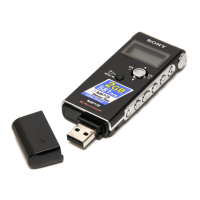
ICD-U50/U60/U70
[How to enter the test mode]
To enter the test mode, turn ON the > HOLD switch and while
pressing the STOP key and the VOL– key at the same time, power
on (set a dry battery).
[How to exit the test mode]
Remove the battery to exit the test mode.
[Initial state of the test mode]
When the unit enters the test mode, the [Model and version number]
screen is displayed on LCD.
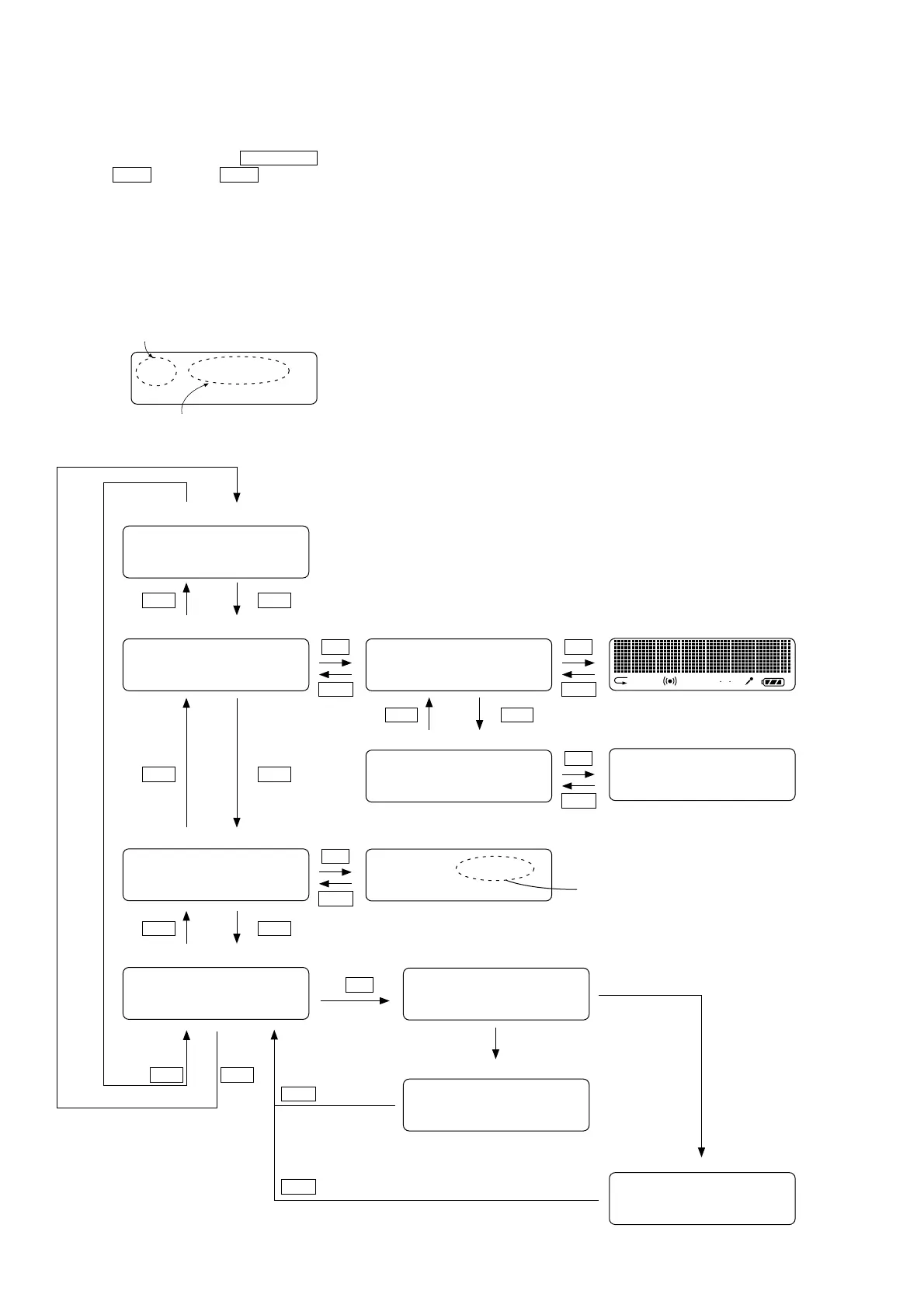
[Test mode flow chart]
U70 VER.1.60
System controller version (example of version 1.60)
Model information (example for ICD-U70)
1SHUF LSP HQ
V O R
H L
U70 VER.1.60
LCD
BATTERY
MEMORY INIT
INITIALIZE
INIT OK
INIT NG
BATTERY 1.500V
LCD ALL
LCD OFF
1. [Model and version number] screen (when entering the test mode)
2. [LCD] display screen Function select screen
Function select screen
.
>
.
>
.
>
STOP
u
All elements of LCD are turned ON.
All elements of LCD are turned OFF.
Screen display during operation
Screen display during operation
3. [BATTERY] (Battery voltage check) screen
STOP
u
STOP
u
STOP
u
Resultant screen
Battery voltage
.
>
4. [MEMORY INIT] (Flash memory initialize) screen
u
Screen display during operation
Resultant screen
Resultant screen
Formatting and initialization have ended
with success.
Formatting and initialization have ended
with failure.
STOP
STOP
.
>
SECTION 3
TEST MODE



 To Next Page