Allows you to shoot a panoramic image by compositing the images.
[79] Shooting Selecting a shooting mode
Intelligent Auto
The camera shoots with automatic scene recognition.
Note
The product will not recognize the scene when you shoot images with zoom functions other than
optical zoom.
The product may not properly recognize the scene under certain shooting conditions.
[80] Shooting Selecting a shooting mode
Turn the mode dial to (Auto Mode).
The shooting mode will be set to
(Intelligent Auto).
1
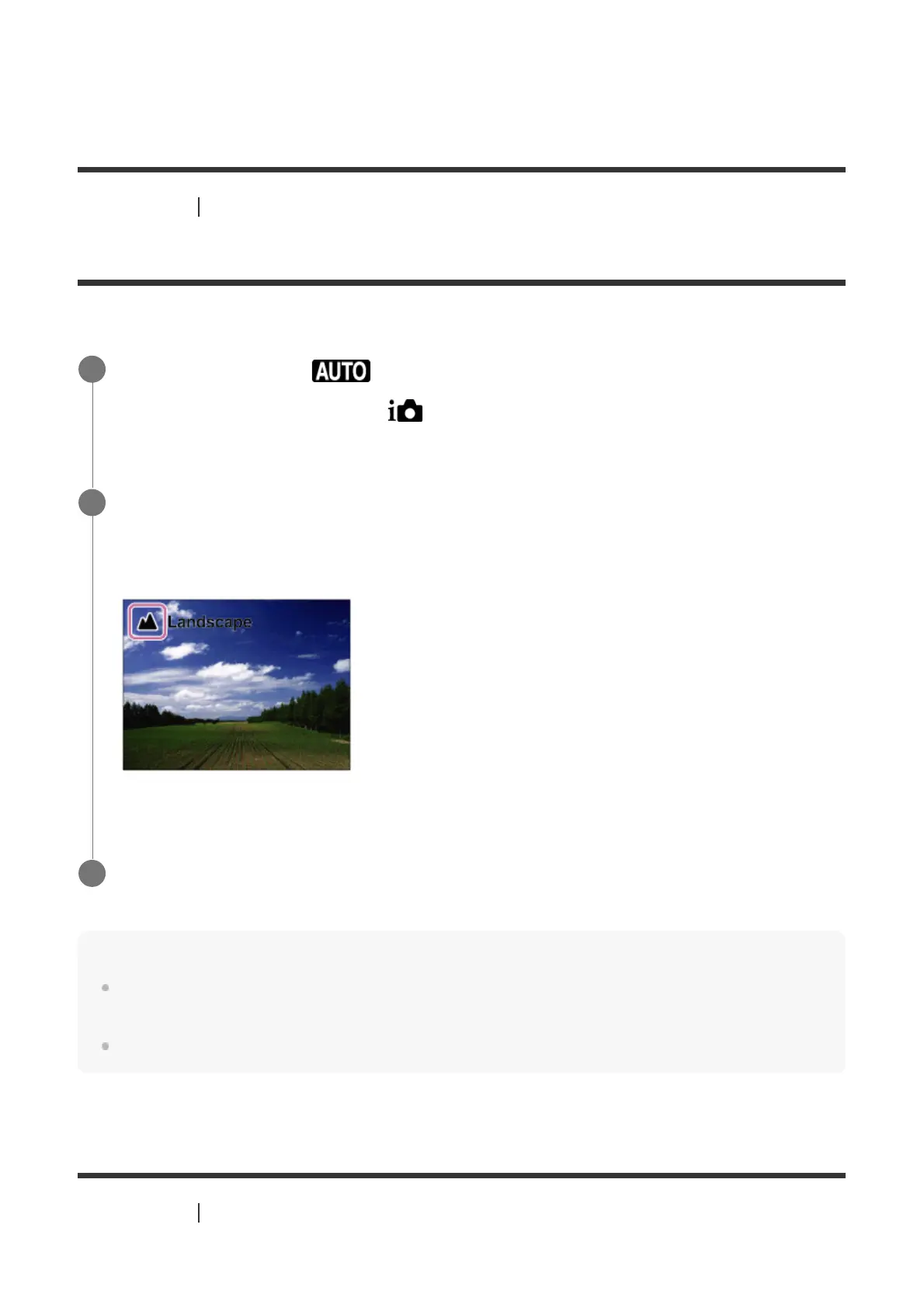
Point the camera at the subject.
When the camera recognized the scene, the icon for the recognized scene appears on the
screen.
2
Adjust the focus and shoot the image.
3



 To Next Page