Scene Recognition operates in [Intelligent Auto] mode.
This function allows the product to automatically recognize the shooting conditions and shoot
the image.
Scene Recognition
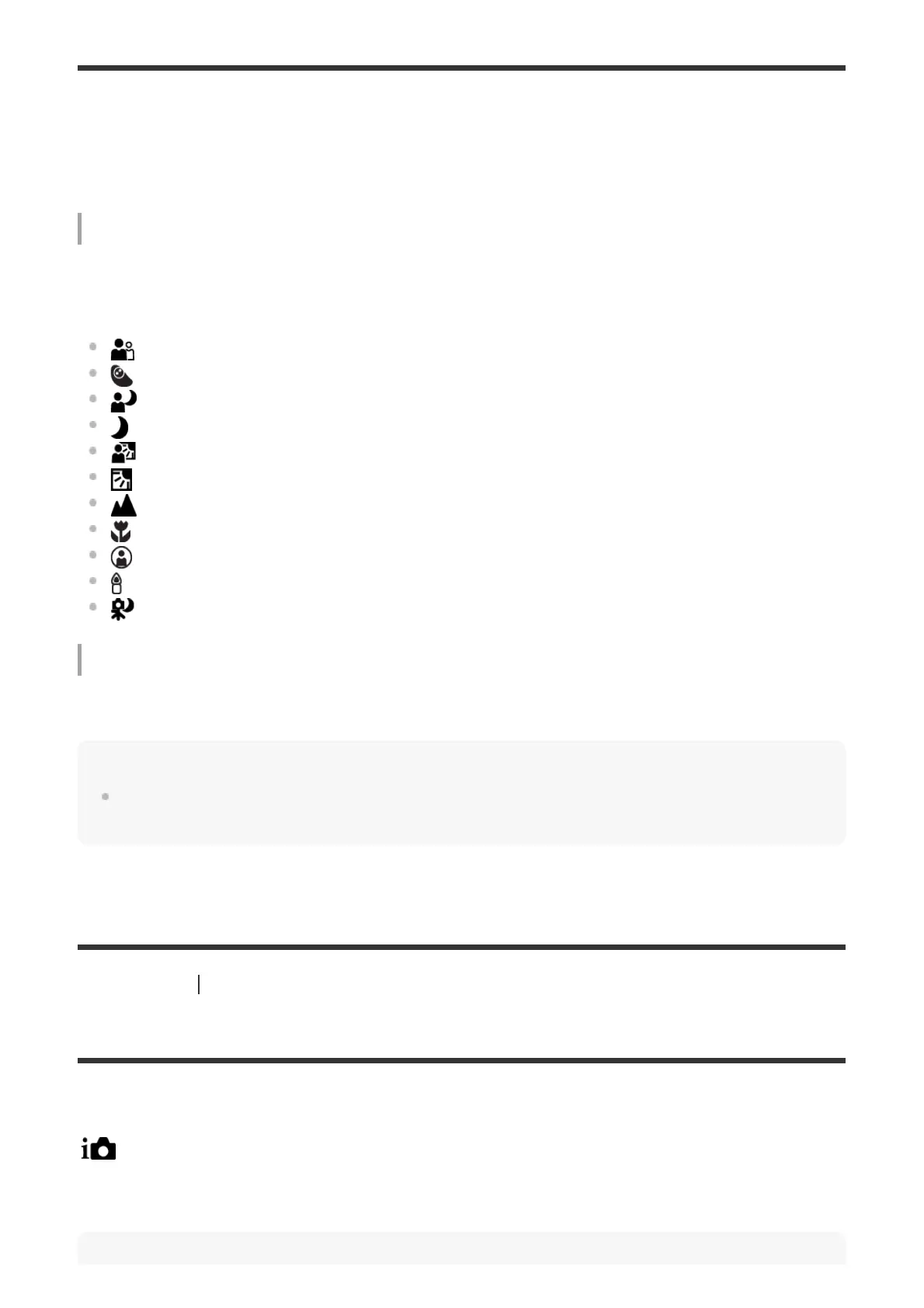
When the product recognizes certain scenes, the following icons and guides are displayed on
the first line:
(Portrait)
(Infant)
(Night Portrait)
(Night Scene)
(Backlight Portrait)
(Backlight)
(Landscape)
(Macro)
(Spotlight)
(Low Light)
(Night Scene using a tripod)
Image processing
[Slow Sync.]/[Daylight Sync.]/[Slow Shutter]
Note
When [Face Detection] is set to [Off], the [Portrait], [Backlight Portrait], [Night Portrait] and [Infant]
scenes are not recognized.
[81] Shooting Selecting a shooting mode
The advantages of automatic shooting
This camera is equipped with [Intelligent Auto] mode.
(Intelligent Auto):
Allows you to shoot with automatic scene recognition.



 To Next Page