Hint
Once the QR code has been read, this product's SSID (DIRECT-xxxx) and password are registered
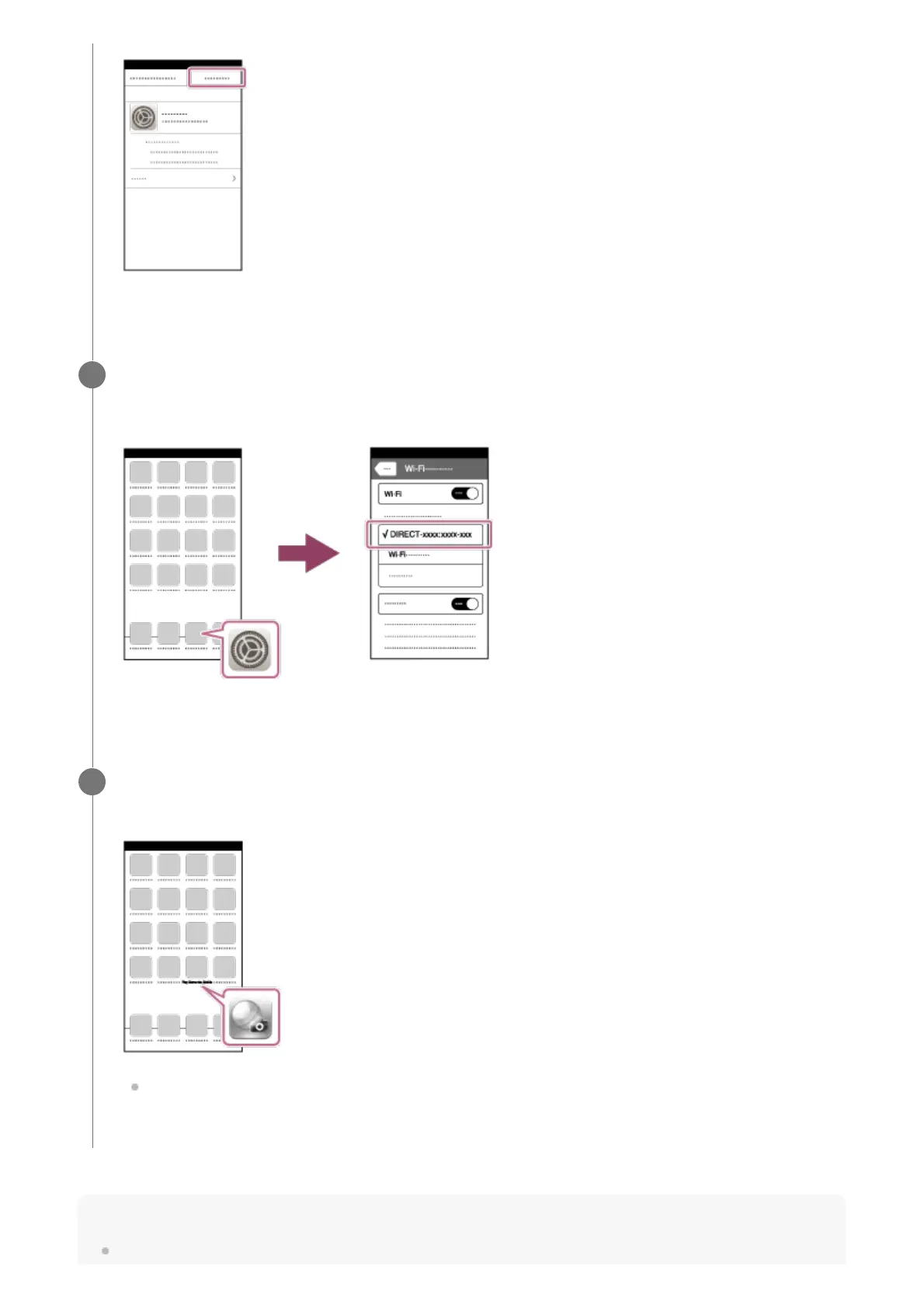
Select [Settings] on the "Home" screen → [Wi-Fi] → this product's SSID.
The iPhone or iPad will connect to the product.
6
Return to the "Home" screen of the iPhone or iPad and launch PlayMemories
Mobile.
You can shoot an image using remote control while checking the composition of the
image on the screen of the iPhone or iPad.
7



 To Next Page