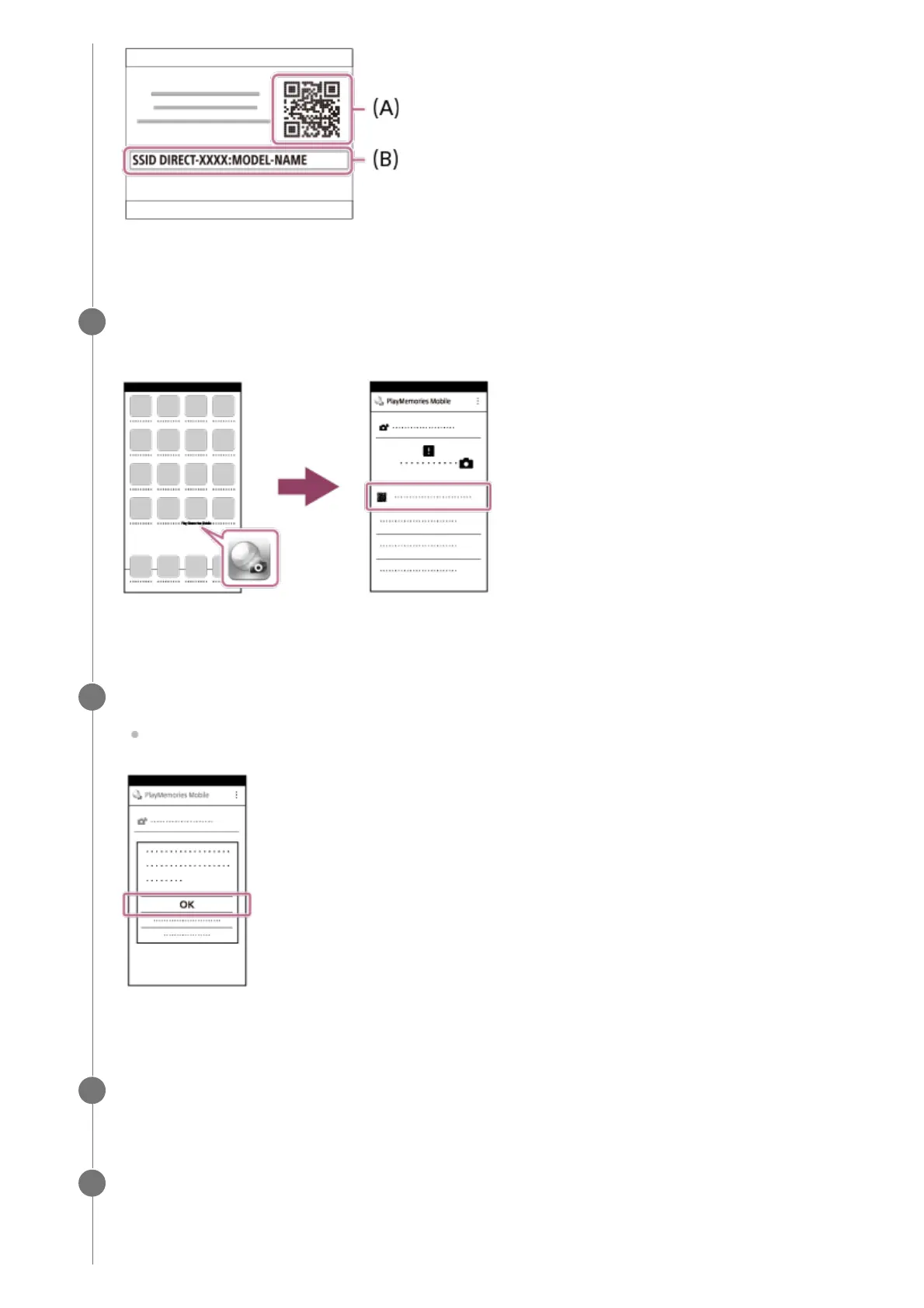
Launch PlayMemories Mobile on your iPhone or iPad and select [Scan QR Code of
the Camera].
2
Select [OK] on the iPhone or iPad screen.
When a message is displayed, select [OK] again.
3
Read the QR code displayed on the monitor of this product with the iPhone or iPad.
4
Install the profile (setting information) by following the instructions shown on the
iPhone or iPad screen and select [OK].
The profile will be installed to the iPhone or iPad.
5



 To Next Page