Note
Radio wave interference may occur as Bluetooth communications and Wi-Fi communications use the
same frequency band. If your Wi-Fi connection is unstable, it may be improved by turning off the
Bluetooth function of the smartphone. If you do this, the location information interlocking function is
not available.
[234] Using wireless functions Connecting this product and a Smartphone
Controlling the camera using an iPhone or iPad (QR
code)
You can connect an iPhone or iPad to the camera using the QR code and operate the camera
using the iPhone or iPad.
Set [Ctrl w/ Smartphone] to [On] beforehand by selecting MENU →
(Wireless) → [Ctrl w/
Smartphone].
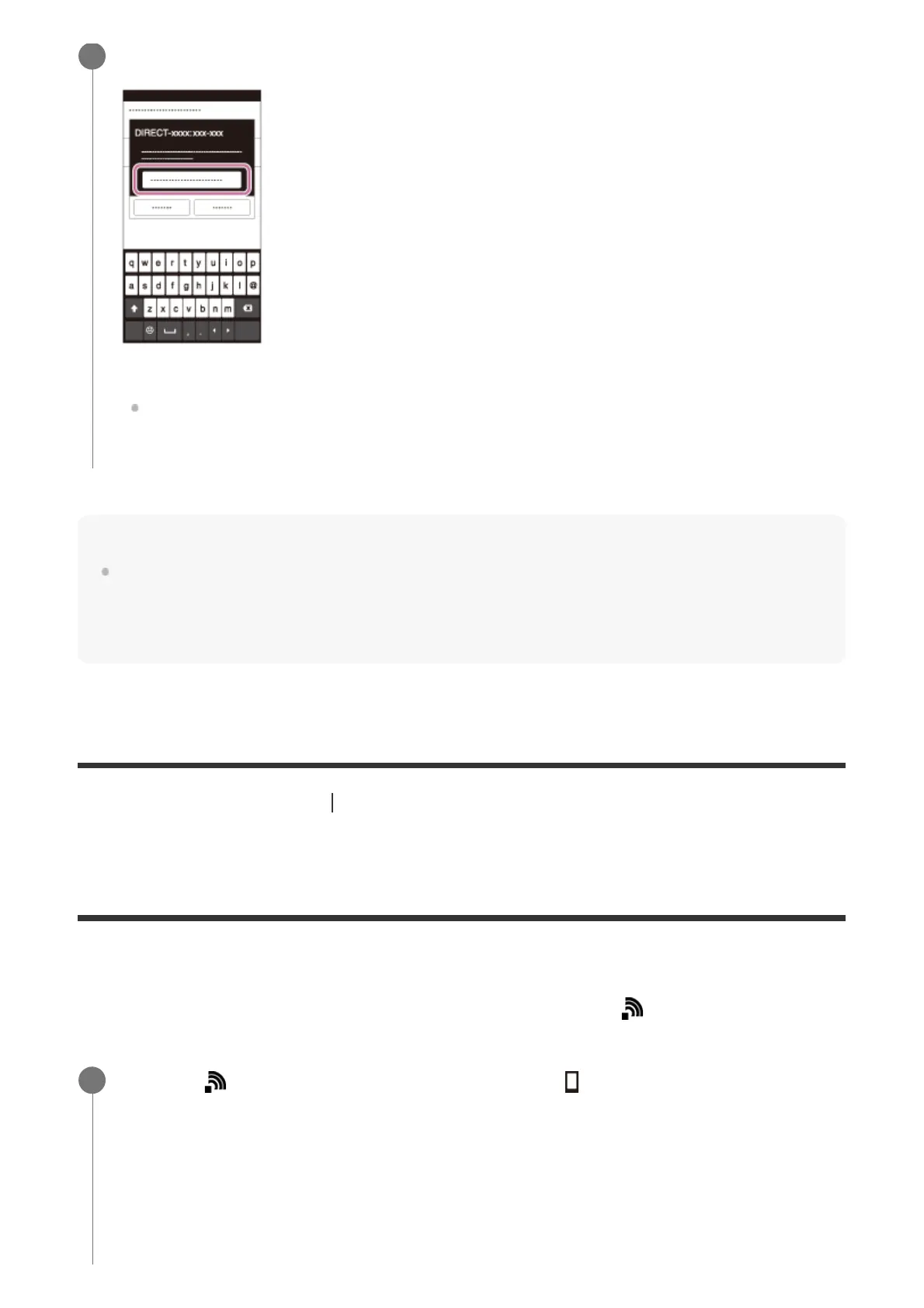
Input the password that is displayed on this product.
The smartphone is connected to the product.
You can shoot an image using remote control while checking the composition of the
image on the smartphone screen.
MENU → (Wireless) → [Ctrl w/ Smartphone] → [ Connection Info.].
QR code (A) and the SSID (B) are displayed on the monitor of this product.
1



 To Next Page