Controlling the camera using an Android smartphone
(SSID)
You can control this product using your smartphone by connecting your smartphone to the
camera using the SSID and password.
Set [Ctrl w/ Smartphone] to [On] beforehand by selecting MENU →
(Wireless) → [Ctrl w/
Smartphone].
MENU →
(Wireless) → [Ctrl w/ Smartphone] → [ Connection Info.].
QR code is displayed on the monitor of this product.
1
Press the
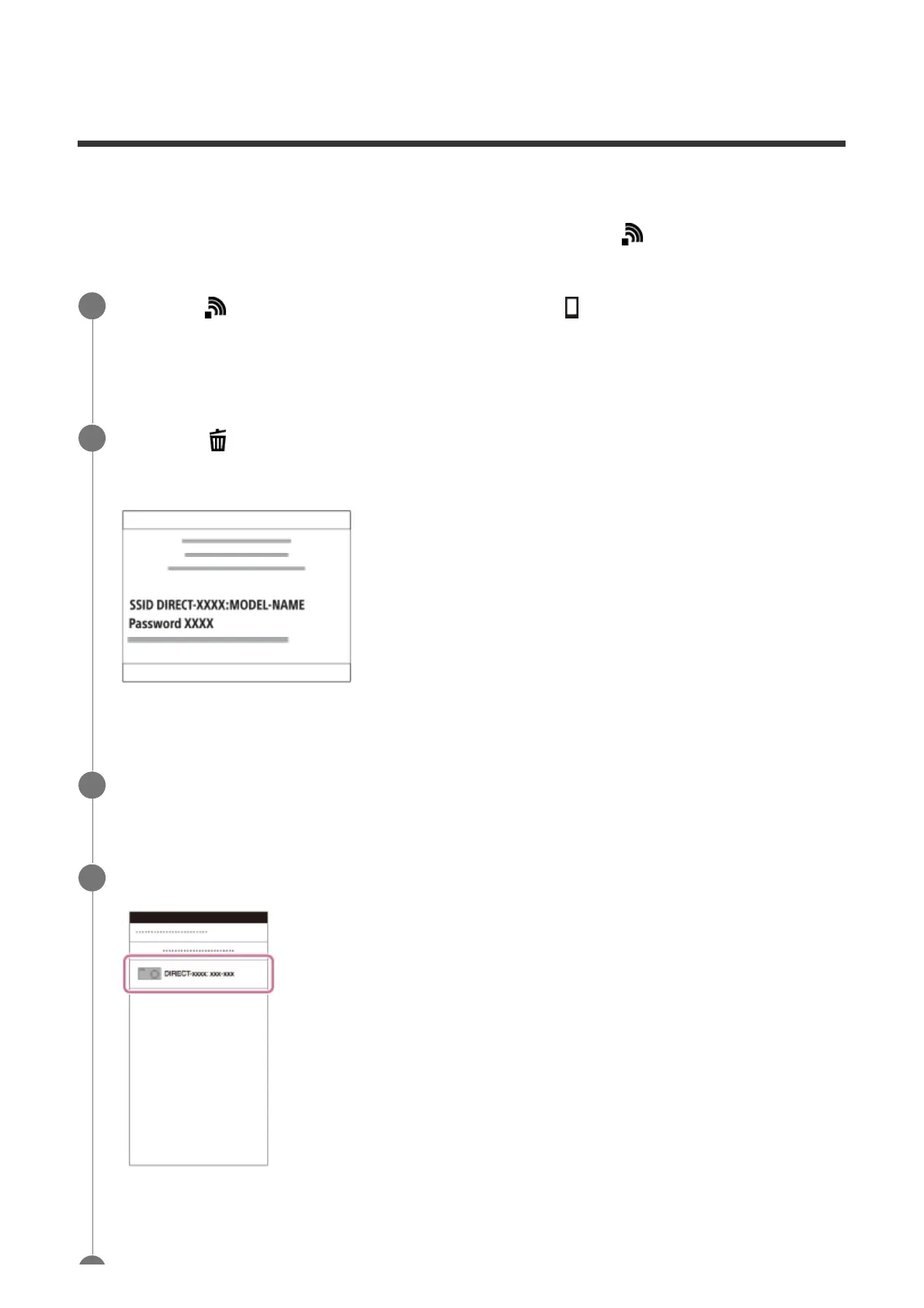
(Delete) button of this product.
This product's SSID and password are displayed on the monitor of this product.
2
Launch PlayMemories Mobile on your smartphone.
3
Select the model name of this product (DIRECT-xxxx: xxxx).
4



 To Next Page