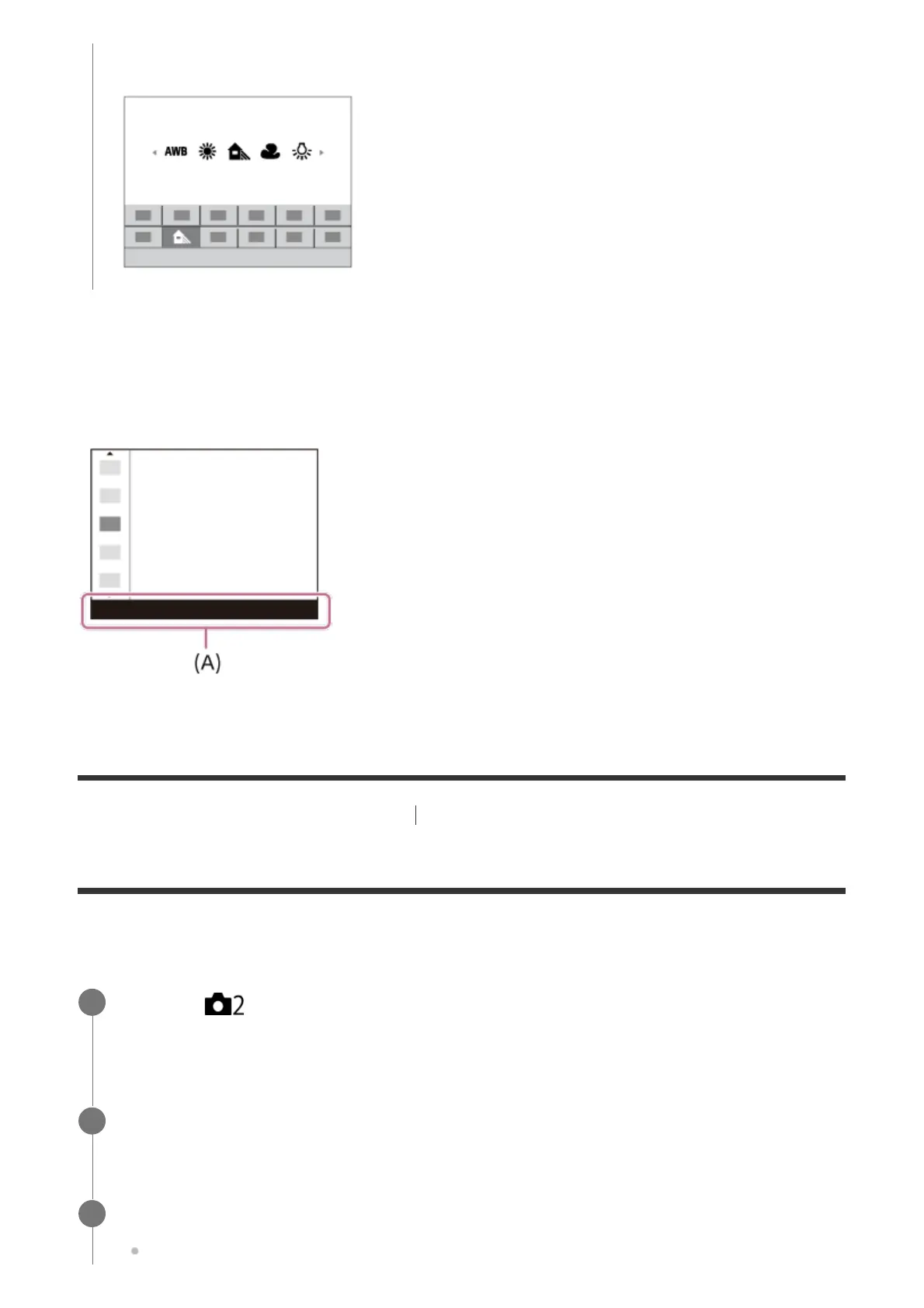
To adjust settings from the dedicated setting screens
Select the desired function in step 2, then press the center of the multi-selector. The dedicated
setting screen for the function will appear. Follow the operating guide (A) to adjust settings.
[10] Names of parts/Icons and indicators Basic operations
How to use the Quick Navi screen
The Quick Navi screen is a function optimized for shooting with the viewfinder, that lets you
control settings directly.
Some functions can be fine-tuned using the rear dial.
MENU → (Camera Settings2) → [DISP Button] → [Monitor] → [For viewfinder],
then select [Enter].
1
Press the DISP button to set the screen mode to [For viewfinder].
2
Press the Fn button to switch to the Quick Navi screen.
The displayed contents and their positions in the illustrations are just guidelines, and
3



 To Next Page