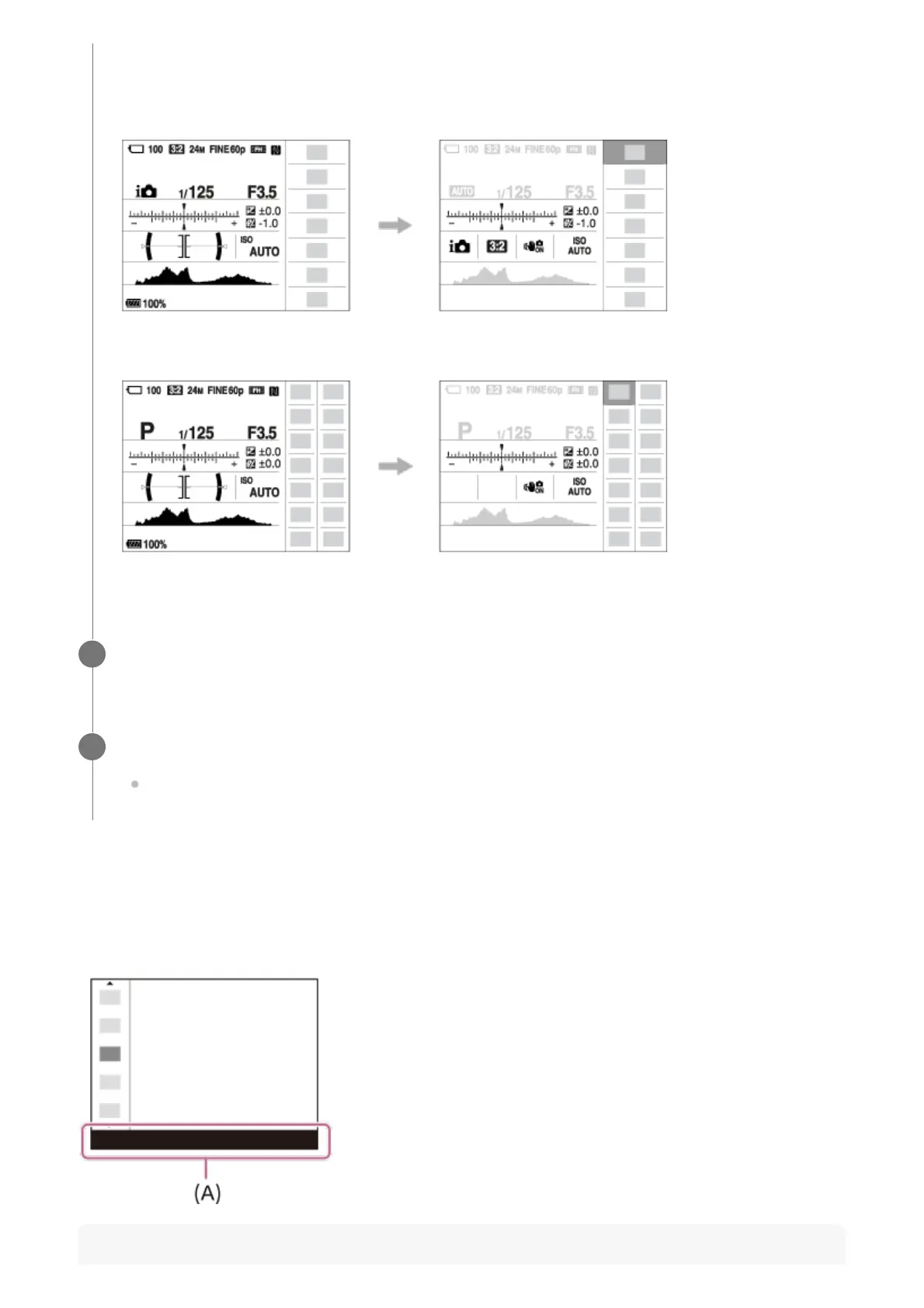
To adjust settings from the dedicated setting screens
Select the desired function in step 4, then press the center of the multi-selector. The dedicated
setting screen for the function will appear. Follow the operating guide (A) to adjust settings.
Note
may differ from the actual displays.
Auto mode
P/A/S/M/Sweep Panorama mode
Select a function to set by pressing the multi-selector up/down/left/right.
4
Select the desired setting by turning the front dial.
Some functions can be fine-tuned using the rear dial.
5



 To Next Page