Note
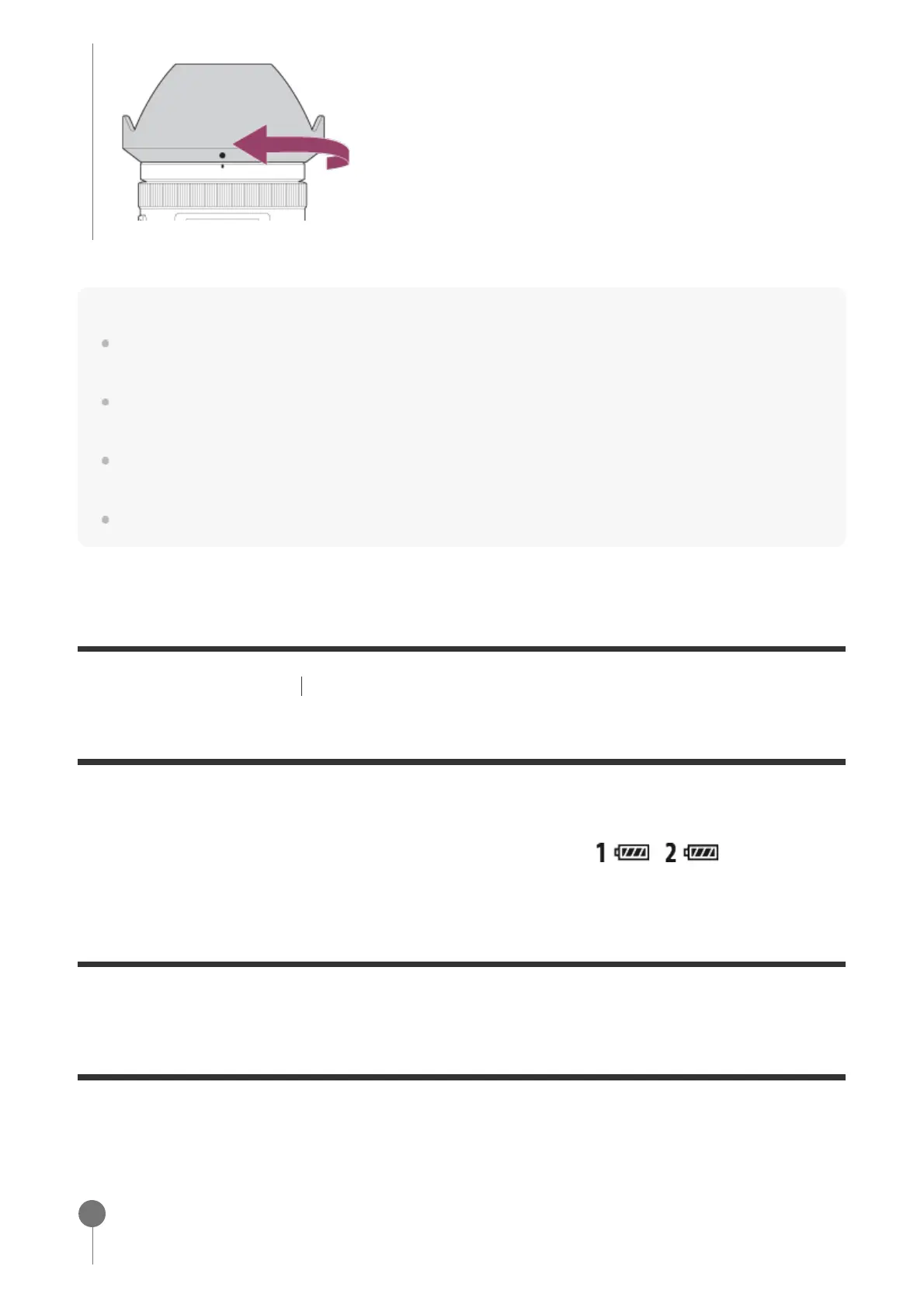
Attach the lens hood properly. Otherwise, the lens hood may not have any effect or may be partially
reflected in the image.
When the lens hood is attached properly, the lens hood index (red line) matches the red index mark
on the hood. (There may be no lens hood index on some lenses.)
Remove the lens hood when using the flash as the lens hood blocks the flash light and may appear
as a shadow on the image.
To store the lens hood after shooting, attach the lens hood to the lens backward.
[27] Preparing the camera Attaching accessories
Vertical grip
You can attach a vertical grip (sold separately) to this product and record vertically oriented
images. For details, refer to the operating instructions for the vertical grip. When a vertical grip
is attached to this product, the battery remaining is displayed as
/ .
[28] Preparing the camera
Setting language, date and time
The setting screen for language, date and time is displayed automatically when you turn on this
product for the first time, initialize this product or when the internal rechargeable backup battery
has discharged.
Turn on the camera.
The language setting screen will appear and then setting screen for date and time will
1



 To Next Page