Help Guide
Interchangeable Lens Digital Camera
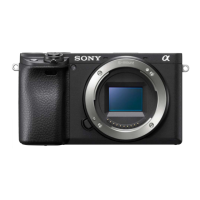
ILCE-6400 α6400
Superior Auto Img. Extract.
Sets whether or not to save all the images that were shot continuously in [Superior Auto].
Menu item details
Auto:
Saves one appropriate image selected by the product.
Off:
Saves all of the images.
Note
Even if you set [Superior Auto Img. Extract.] to [Off] with [Hand-held Twilight] selected as the scene recognition mode, one
combined image is saved.
When the Auto Framing function is activated, two images are saved even if you set [Superior Auto Img. Extract.] to [Auto].
When [
Quality] is set to [RAW] or [RAW & JPEG], the shooting function will be limited.
4-747-614-13(1)
Copyright 2019 Sony Corporation
MENU →
(Camera Settings1) → [Superior Auto Img. Extract.] → desired setting.
1


 To Next Page