Speaker4.
Flash
Press the
(Flash pop-up) button to use the flash. The flash does not pop up automatically.
When not using the flash, press it back into the camera body.
5.
Mode dial6.
Control dial7.
Multi/Micro USB Terminal*
This terminal supports Micro USB-compatible devices.
8.
Charge lamp9.
HDMI micro jack10.
(Microphone) jack
When an external microphone is connected, the built-in microphone turns off automatically. When the external
microphone is a plugin-power type, the power of the microphone is supplied by the camera.
11.
For details on compatible accessories for the multi interface shoe and the Multi/Micro USB Terminal, visit the Sony website, or consult your Sony
dealer or local authorized Sony service facility. Accessories for the Accessory Shoe can also be used. Operations with other manufactures’
accessories are not guaranteed.
*
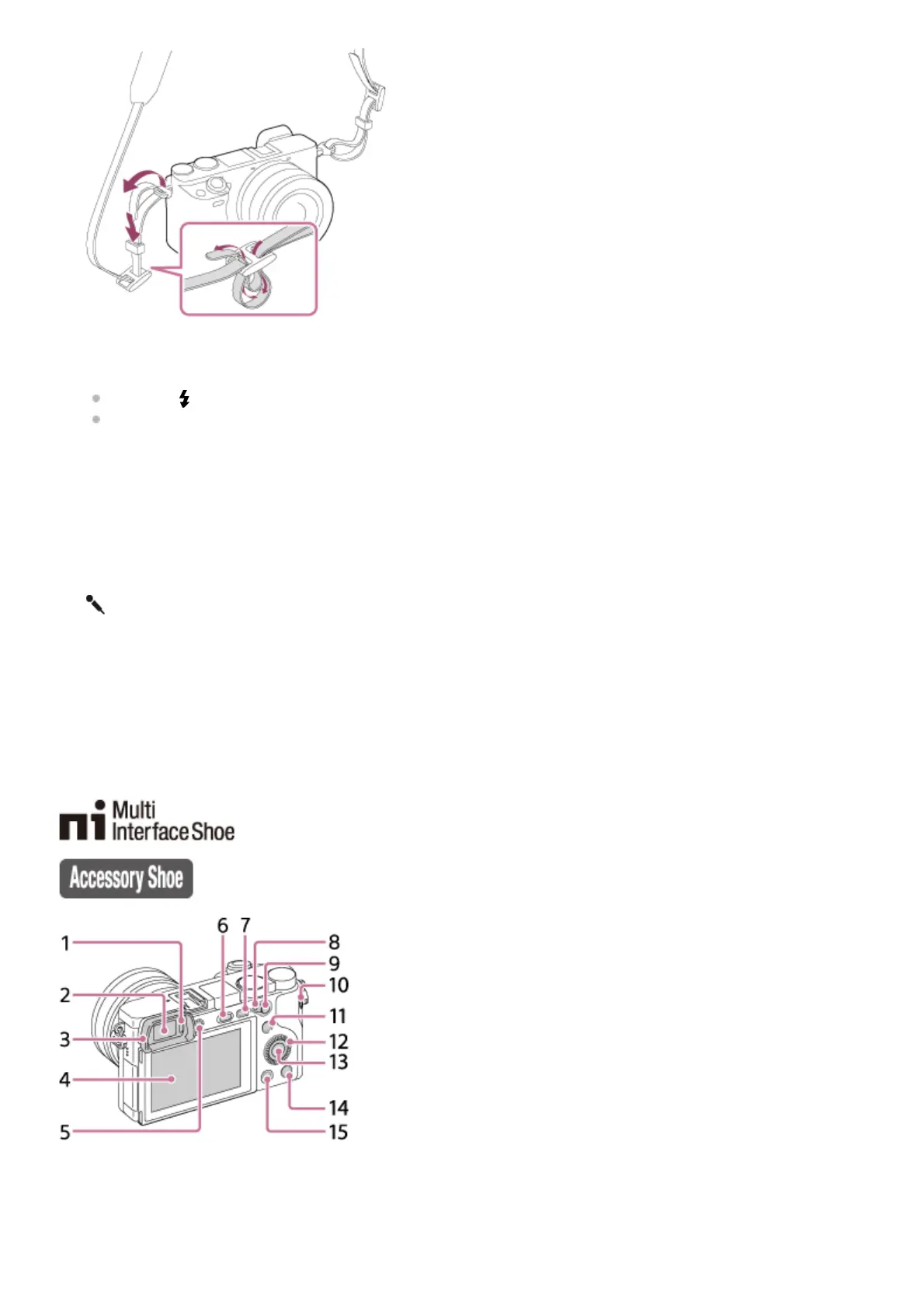
Eye sensor1.
Viewfinder2.
Eyepiece Cup3.



 To Next Page