Help Guide
Interchangeable Lens Digital Camera
ILCE-6400 α6400
Using Fn (Function) button (Function menu)
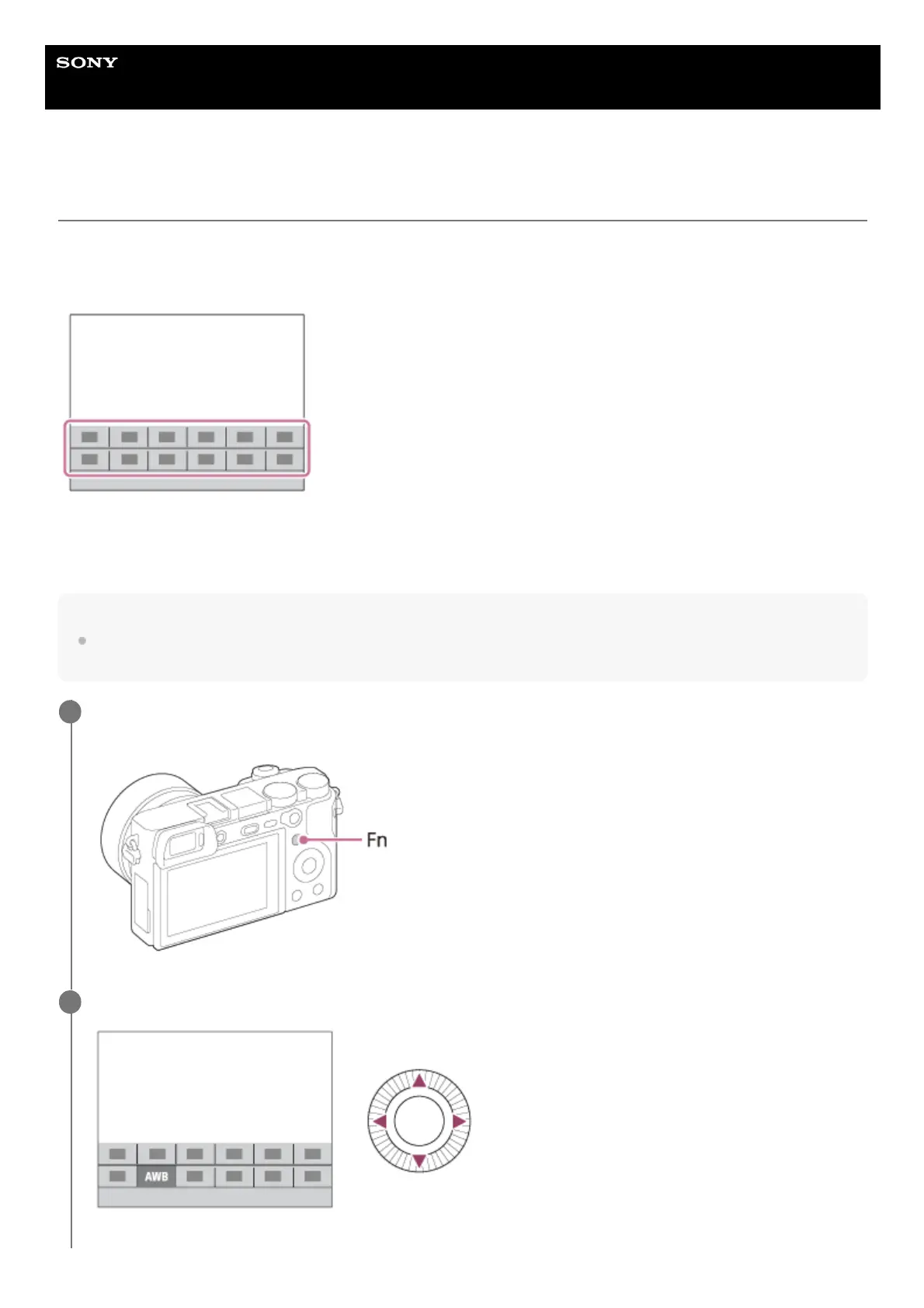
The Function menu is a menu of 12 functions that is displayed at the bottom of the screen when you press the Fn
(Function) button in the shooting mode. You can access frequently used functions more quickly by registering them to
the function menu.
For details on functions that can be registered to the function menu, refer to the following URL:
https://support.d-imaging.sony.co.jp/support/tutorial/ilc/l/ilce-6400/14.php
Hint
You can recall functions more quickly by using the custom key function to assign frequently used functions to desired keys, along
with the function menu. Refer to the related functions under “Related Topic” at the bottom of this page.
Press the DISP on the control wheel repeatedly to display a screen mode other than [For viewfinder], and
then press the Fn (Function) button.
1
Select the desired function by pressing the top/bottom/left/right side of the control wheel.
2



 To Next Page