[98] How to Use Using shooting functions Adjusting the exposure
Reset EV Comp.
Sets whether to maintain the exposure value set using [Exposure Comp.] when
you turn off the power when the exposure compensation dial position is set to “0.”
1. MENU → (Custom Settings) → [Reset EV Comp.] → desired setting.
Menu item details
Maintain:
Maintains the settings of [Custom Settings].
Reset (default setting):
Resets the settings of [Exposure Comp.] to “0.”
[99] How to Use Using shooting functions Selecting a drive mode (Continuous
shooting/Self-timer)
Drive Mode
You can set the drive mode, such as continuous or self-timer shooting.
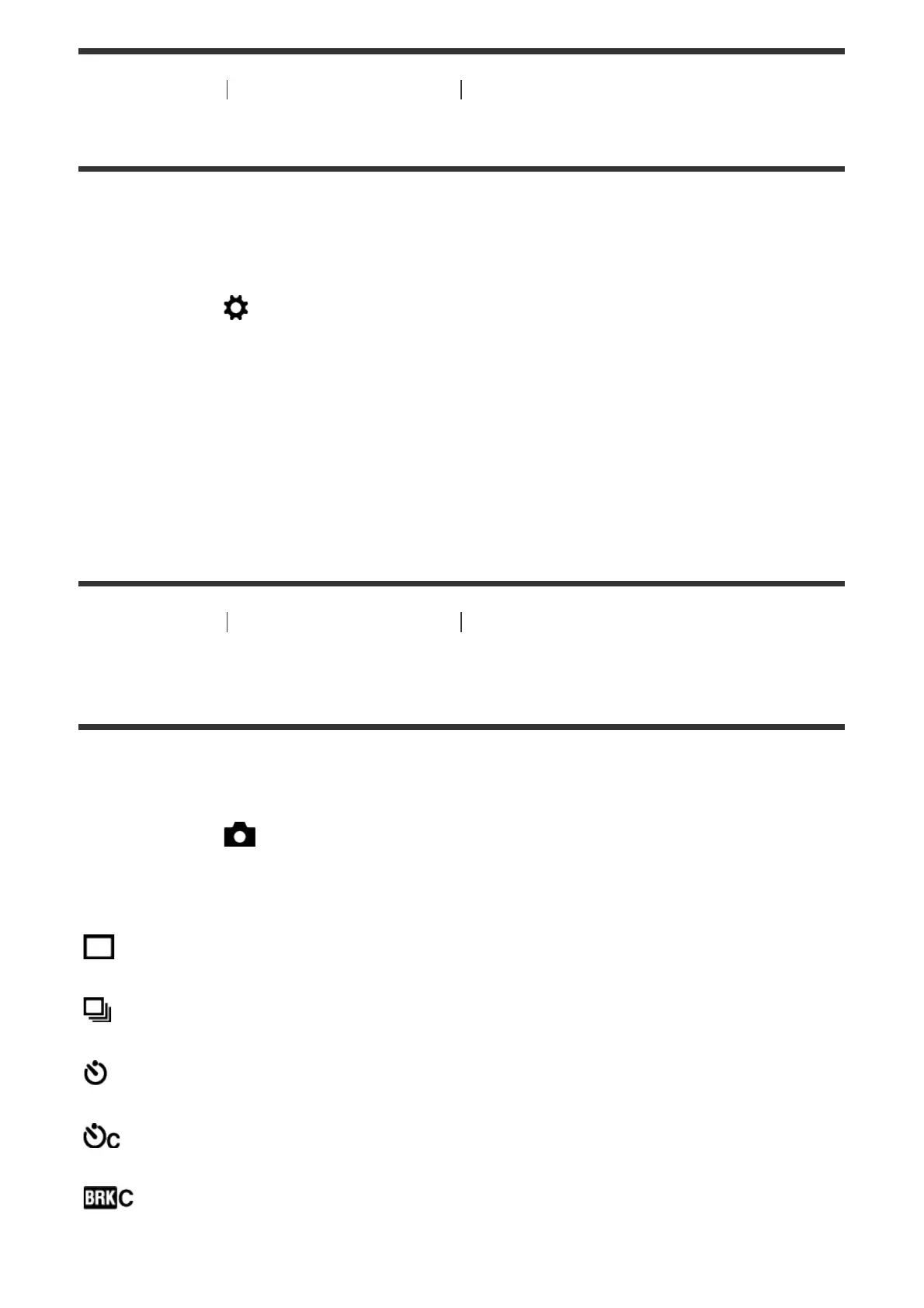
1. MENU → (Camera Settings) → [Drive Mode] → desired setting.
Menu item details
Single Shooting (default setting):
Shoots one still image. Normal shooting mode.
Cont. Shooting:
Shoots images continuously while you press and hold down the shutter button.
Self-timer:
Shoots an image after 10 or 2 seconds.
Self-timer(Cont):
Shoots a specified number of images continuously after 10 seconds.
Cont. Bracket:
Shoots images while holding the shutter button down, each with different degrees



 To Next Page