1. MENU → (Camera Settings) → [SteadyShot] → desired setting.
Menu item details
On (default setting):
Uses [SteadyShot].
Off:
Does not use [SteadyShot].
We recommend that you set [SteadyShot] to [Off] when using a tripod.
[151] How to Use Using shooting functions Setting the other functions of this product
SteadyShot Settings
You can shoot with an appropriate [SteadyShot] setting for the attached lens.
1. MENU→ (Camera Settings) → [SteadyShot] → [On]
2. [SteadyShot Settings] → [SteadyShot Adjust.] → desired setting.
Menu item details
Auto (default setting):
Performs the SteadyShot function automatically according to the information
obtained from the attached lens.
Manual:
Performs the SteadyShot function according to the focal-length set using
[SteadyS. Focal Len.]. (8 mm-1000 mm)
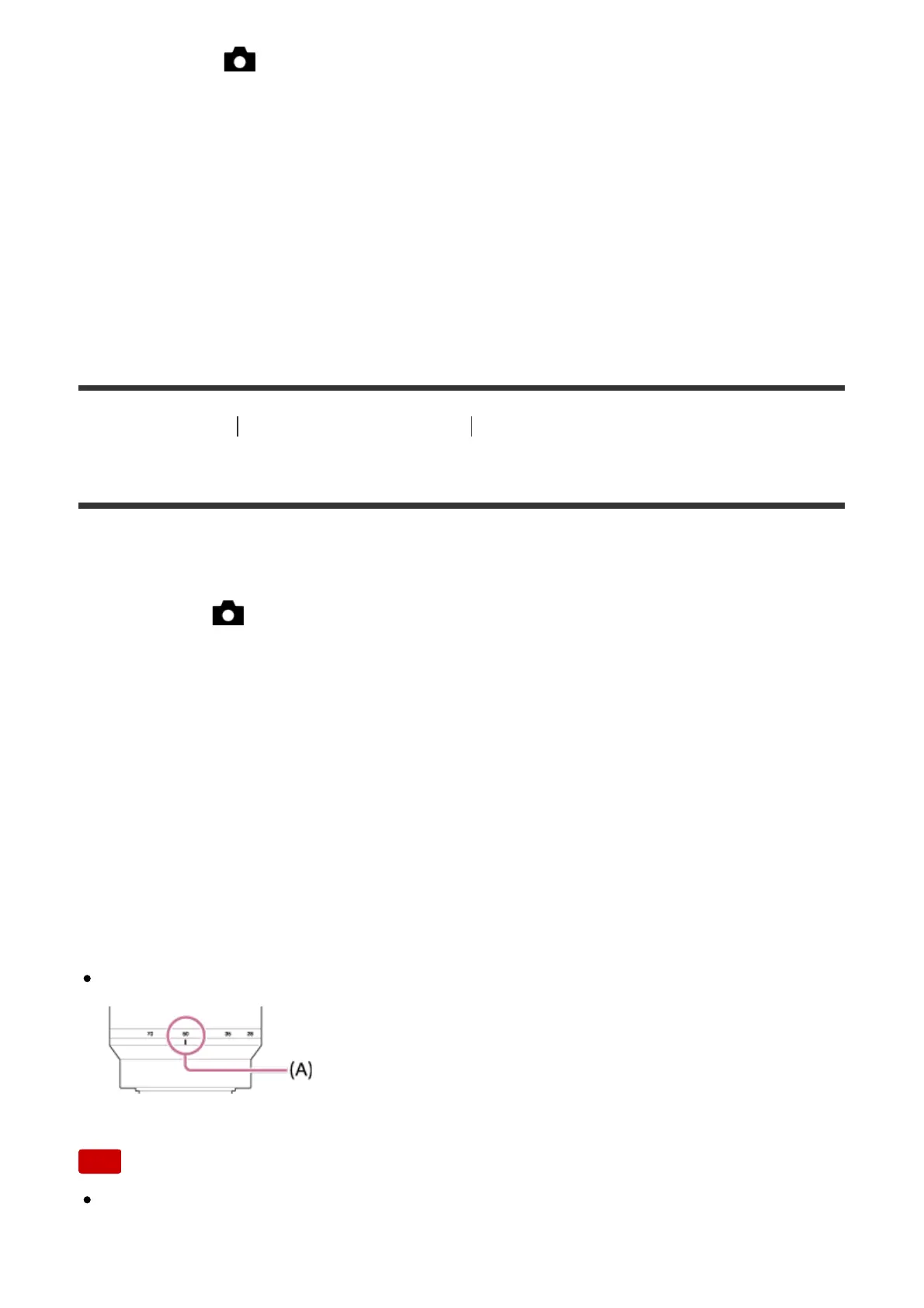
Check the focal-length index (A) and set the focal-length.
Note
The SteadyShot function may not work optimally when the power has just been
turned on, right after you point the camera towards a subject, or when the



 To Next Page