(2) Repeat step (1) to print other images.
(3) MENU → [OK] → on the center.
Cancel All:
Clears all DPOF marks.
Print Setting:
You can set whether to print the date on images registered with DPOF marks.
Select [On] or [Off] → [Enter] in [Date Imprint].
Note
You cannot add the DPOF mark to the following files:
Movies
RAW images
[179] How to Use
Viewing Using viewing functions
View Mode
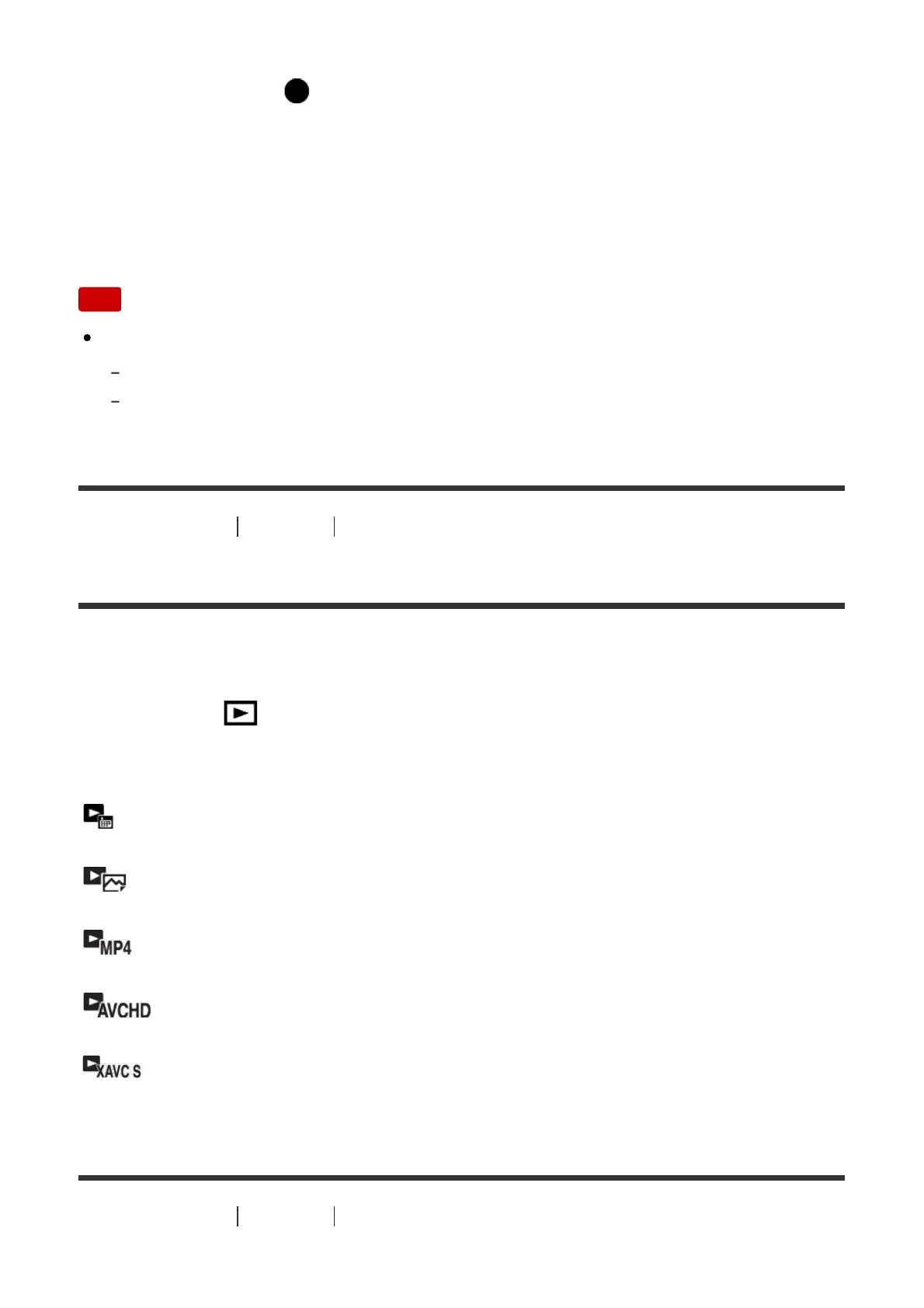
Sets the View Mode (image display method).
1. MENU → (Playback) → [View Mode] → desired setting.
Menu item details
Date View:
Displays the images by date.
Folder View(Still):
Displays only still images.
Folder View(MP4):
Displays only MP4-format movies.
AVCHD View:
Displays only AVCHD-format movies.
XAVC S View:
Displays only XAVC S-format movies.
[180] How to Use Viewing Using viewing functions



 To Next Page