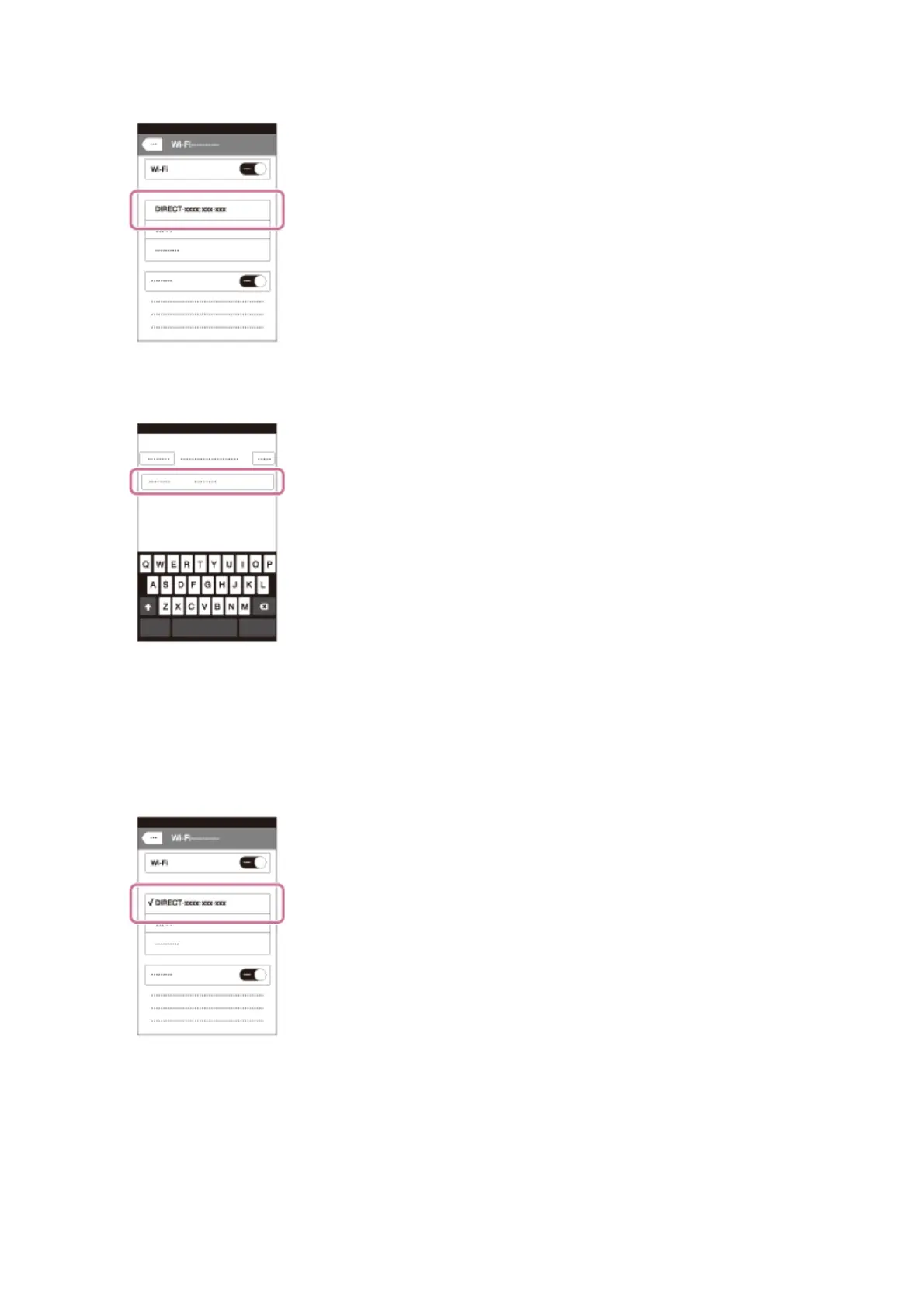
1. Select the model name of this product (DIRECT-xxxx: xxxx) on the Wi-Fi
setting screen of your iPhone or iPad.
2. Input the password displayed on this product.
The iPhone or iPad is connected to the product.
3. Confirm that your iPhone or iPad was connected to the “SSID” shown on this
product.
4. Return to the “Home” screen and launch PlayMemories Mobile.



 To Next Page