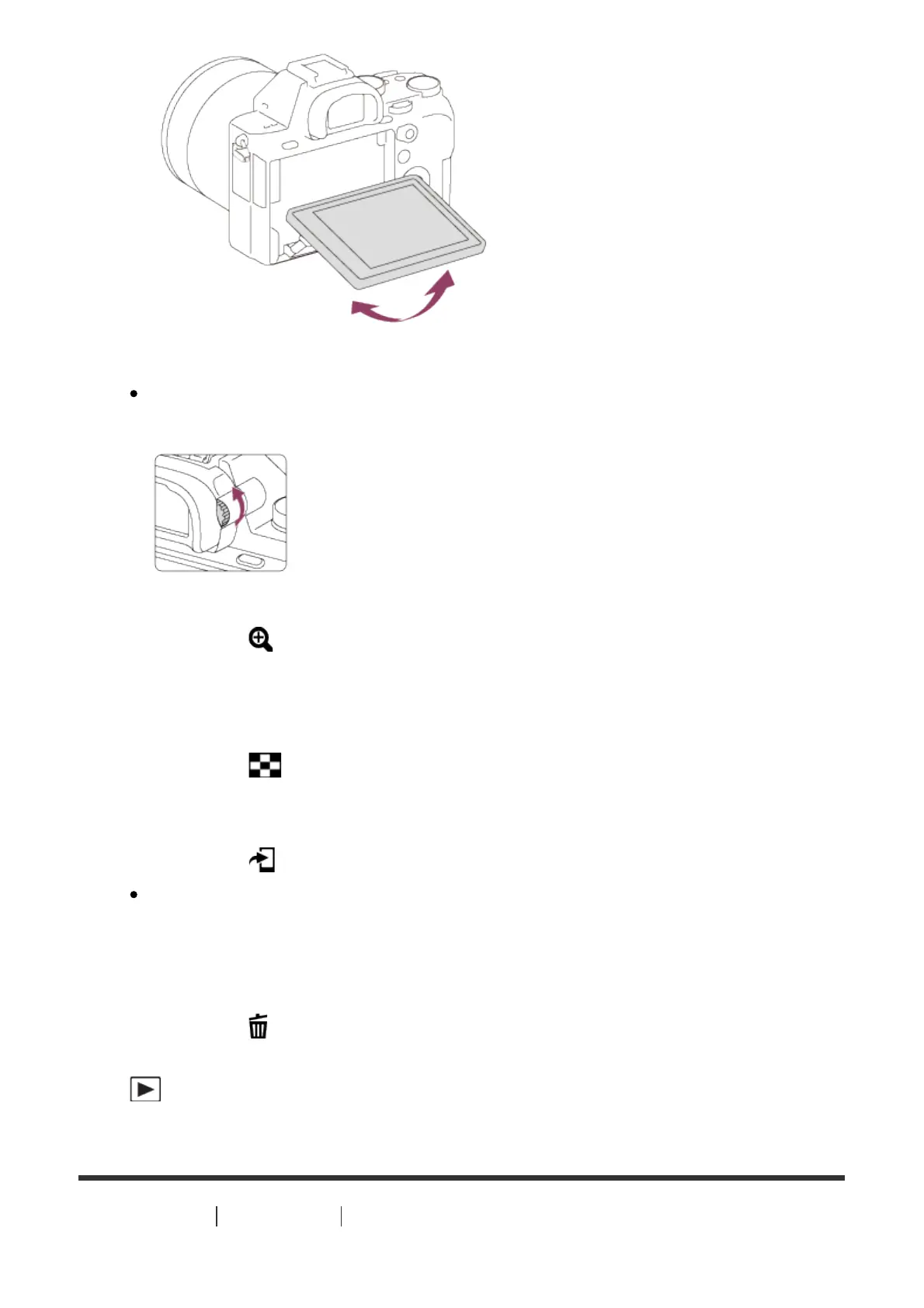
6. Diopter-adjustment dial
Adjust the diopter-adjustment dial according to your eyesight until the
display appears clearly in the viewfinder.
7. For shooting: C3 (Custom 3) button
For viewing: (Enlarge) button
8. AF/MF/AEL switch lever
9. Rear dial
10. For shooting: AF/MF (Auto focus/manual focus) button/ AEL button
For viewing: (Image index) button
11. MOVIE button
12. For shooting: Fn button
For viewing: (Send to Smartphone) button
You can display the screen for [Send to Smartphone] by pressing this
button.
13. Control wheel
14. For shooting: C4 (Custom 4) button
For viewing:
(Delete) button
15. Access lamp
16. (Playback) button
[4] How to Use Before Use Names of parts



 To Next Page