the control wheel, then press in the center.
5. Set [Daylight Savings], [Date/Time], and [Date Format] using the
up/down/left/right sides, then press in the center.
Midnight is indicated as 12:00 AM, and noon as 12:00 PM.
6. Repeat steps 4 and 5 to set other items, then select [Enter] and press
in
the center.
To cancel the date and time setting procedure, press the MENU button.
Note
This camera does not have a function for inserting the date on images. You can
insert the date on images and then save and print them using PlayMemories
Home.
If the date and time setting is cancelled halfway, the setting screen for the date
and time appears every time you turn on the camera.
[26] How to Use Confirming the operation method Confirming the operation method
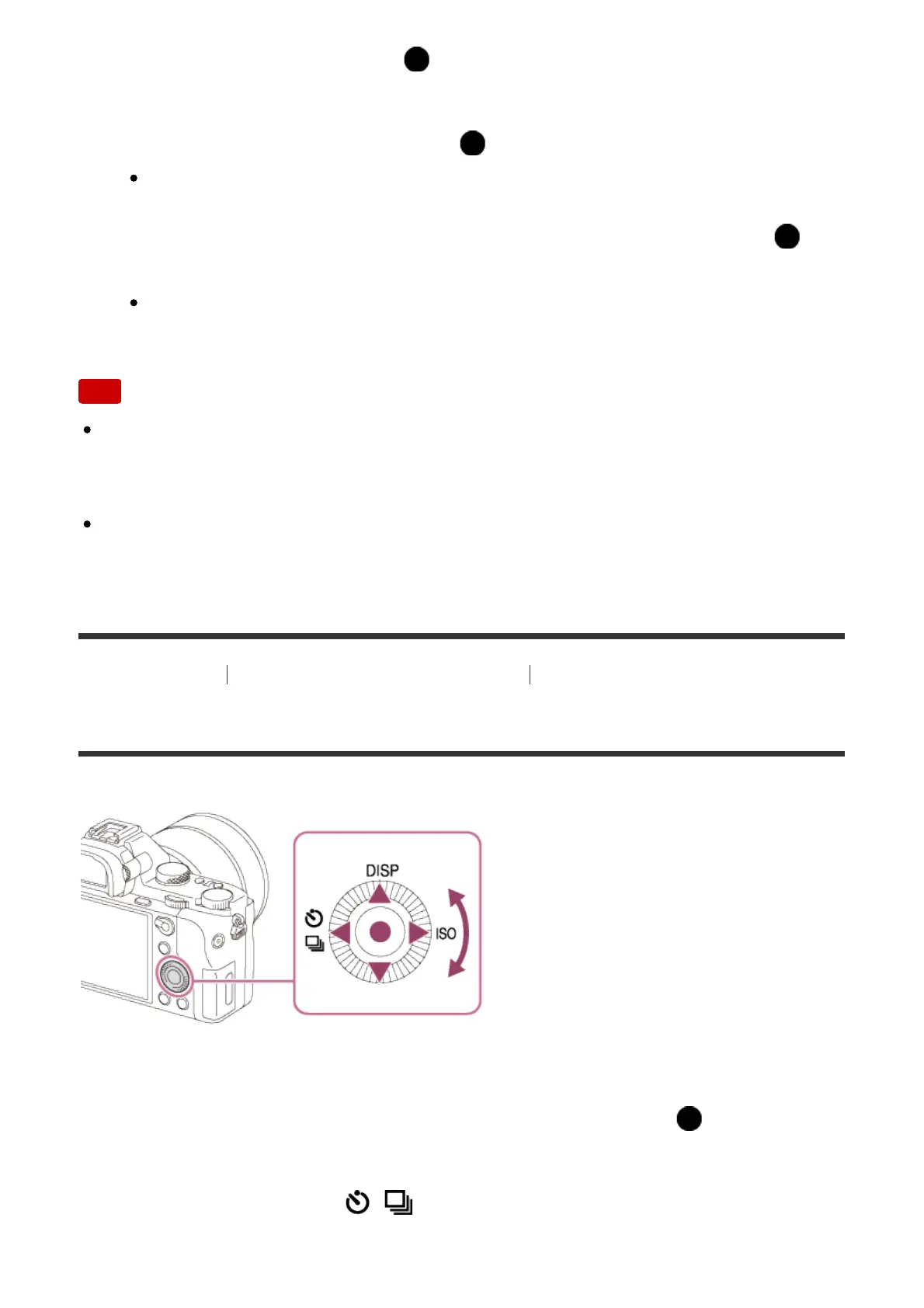
Using the control wheel
You can select setting items by turning or pressing the top/bottom/right/left side of
the control wheel. Your selection is determined when you press on the center
of the control wheel.
The DISP (Display Setting), / (Drive Mode), and ISO (ISO) functions are
assigned to the top/left/right side of the control wheel. In addition, you can assign



 To Next Page