Note
Gray items on the Quick Navi screen are not available.
When using [Creative Style] or [Picture Profile], some of the setup tasks can be
accomplished only on a designated screen.
[30] How to Use Shooting Shooting still images/movies
Shooting still images
Shoots still images.
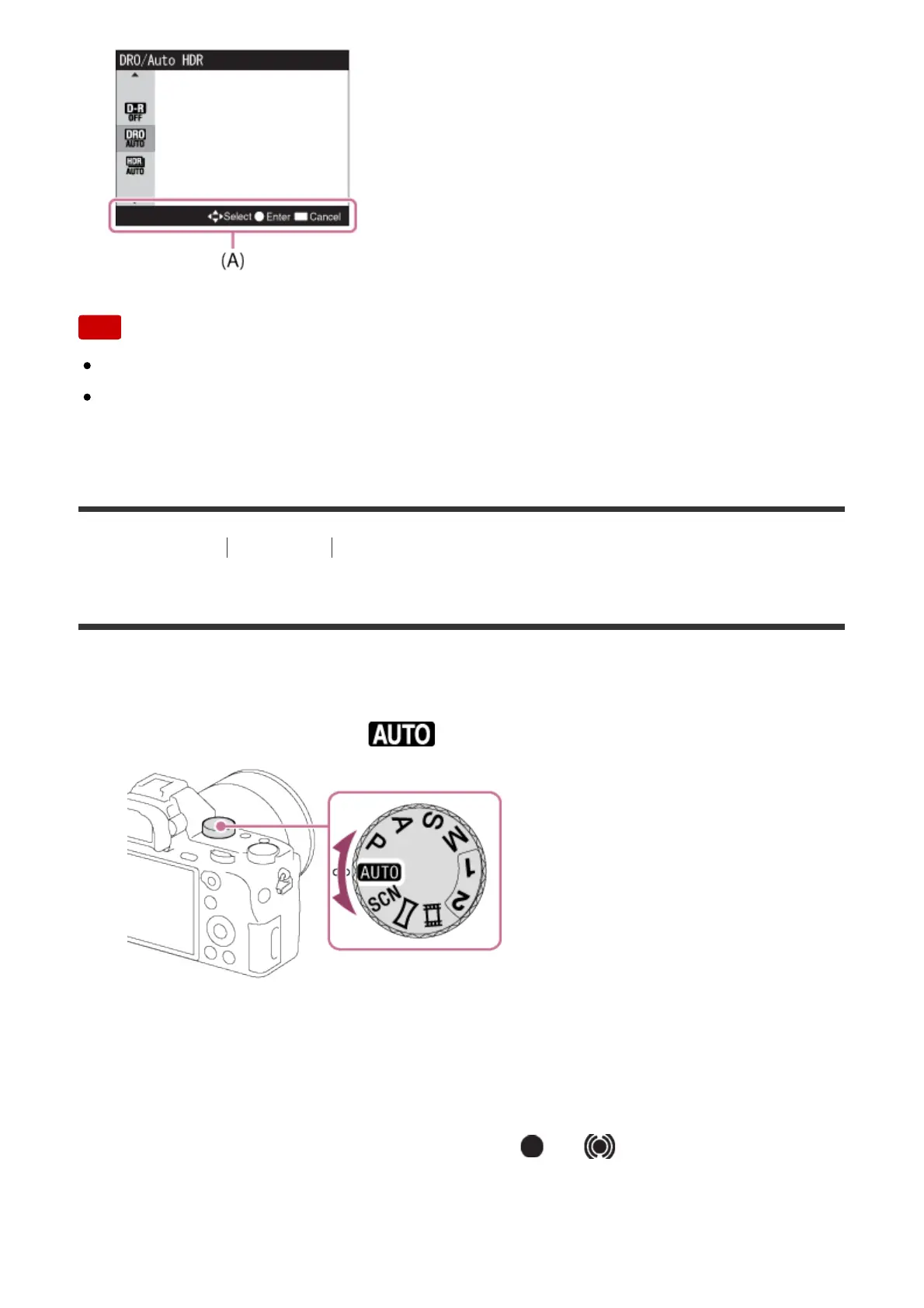
1. Set the shooting mode to (Auto Mode).
2. Adjust the monitor angle, and hold the camera. Or look through the
viewfinder and hold the camera.
3. Press the shutter button halfway down to focus.
When the image is in focus, the indicator ( or ) lights up.



 To Next Page