1. MENU → (Camera Settings) → [Focus Mode] → [Single-shot AF].
2. Place the subject within the AF area and press the shutter button halfway
down.
The focus is locked.
3. Keep pressing the shutter button halfway down, and place the subject back in
the original position to re-compose the shot.
4. Press the shutter button down fully to take the picture.
[68] How to Use Using shooting functions Adjusting the focus
Manual Focus
When it is difficult to get the proper focus in autofocus mode, you can adjust the
focus manually.
1. MENU → (Camera Settings) → [Focus Mode] → [Manual Focus].
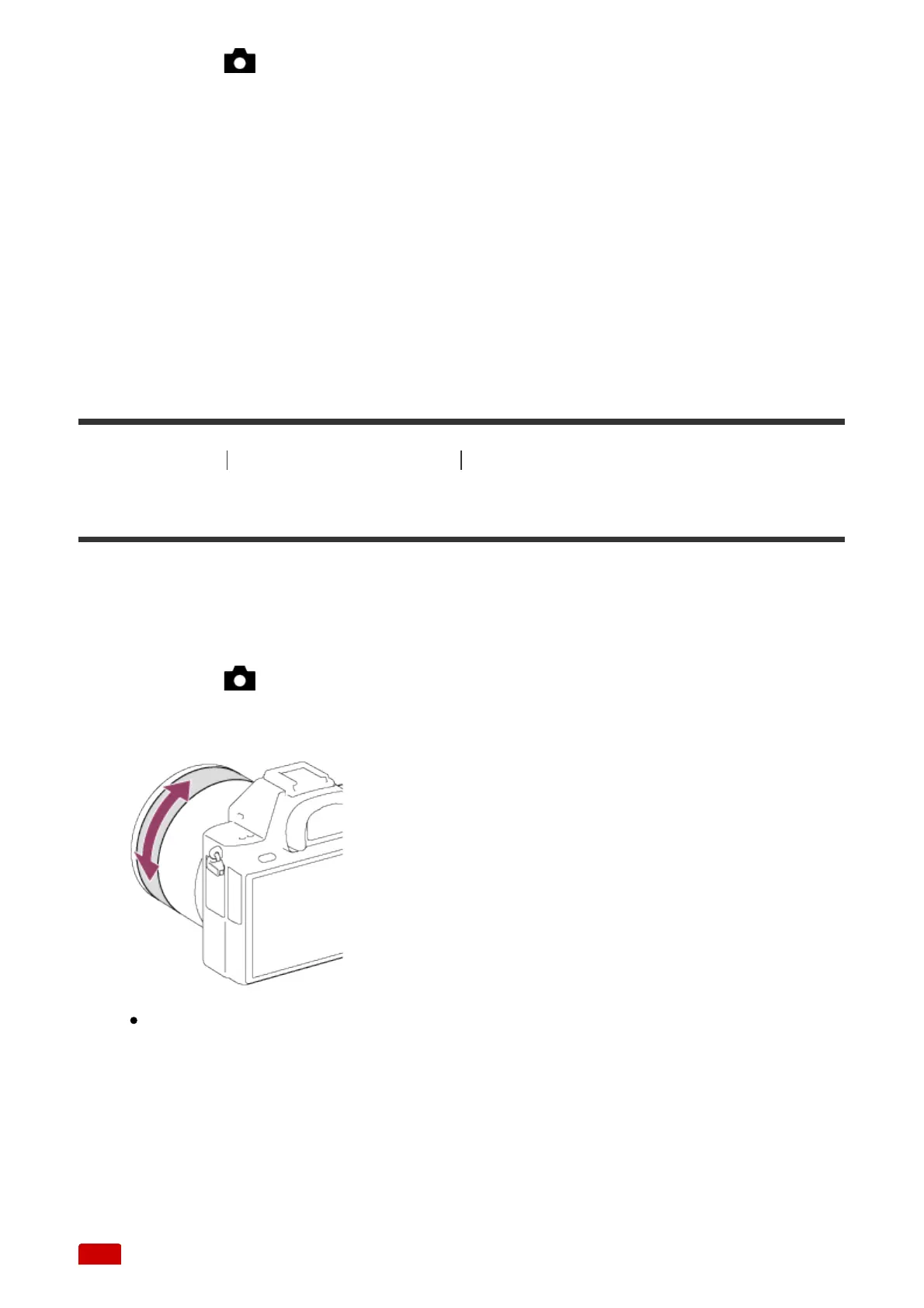
2. Rotate the focus ring to achieve sharp focus.
When you rotate the focus ring, the focus distance is displayed on the
screen.
The focus distance may not be displayed when the Mount Adaptor (sold
separately) is attached.
3. Press the shutter button fully down to take the picture.



 To Next Page