Help Guide
Interchangeable Lens Digital Camera
ILCE-7M3 α7III
File Format (movie)
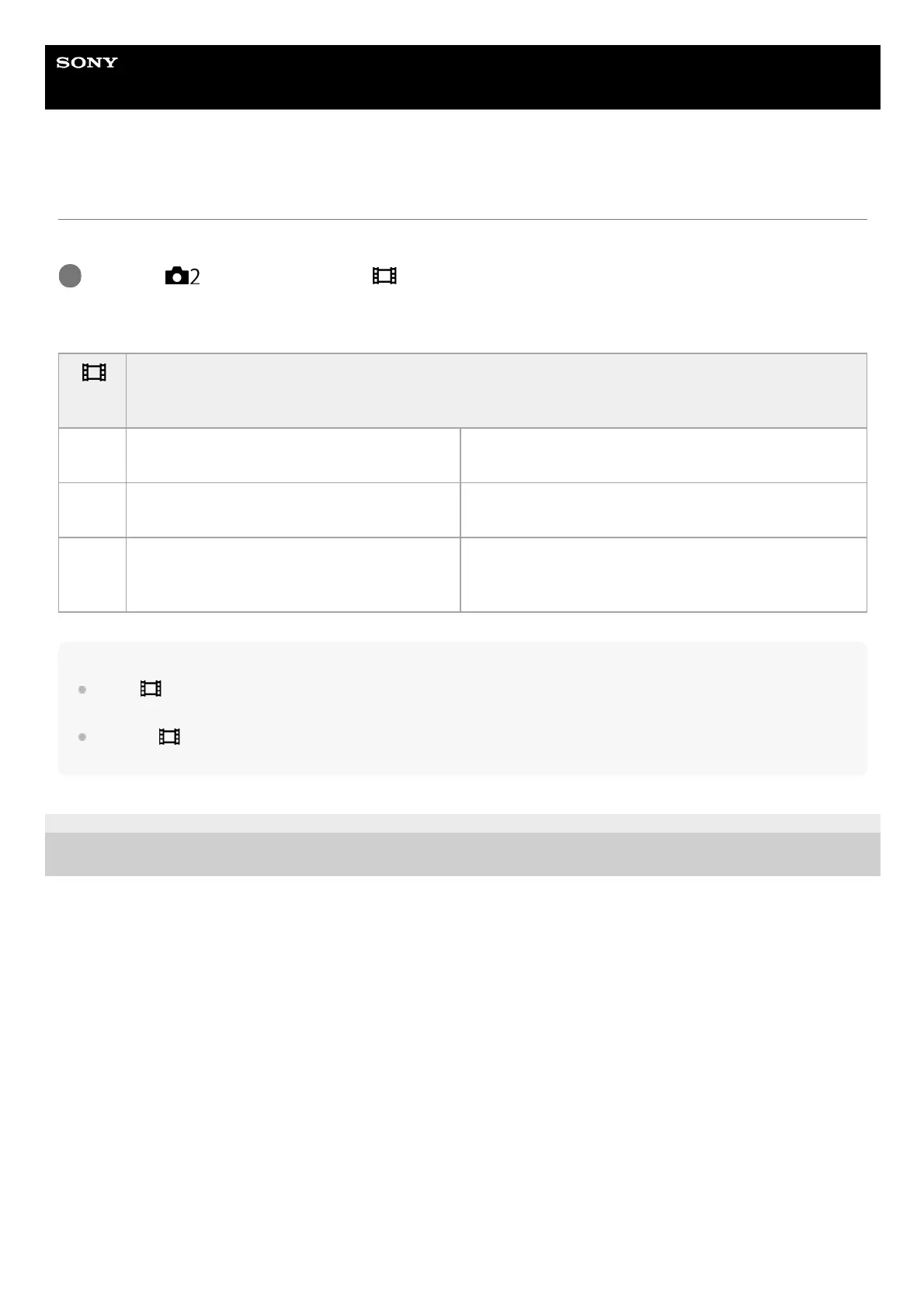
Selects the movie file format.
Menu item details
Note
When [
File Format] is set to [AVCHD], the file size of movies is limited to approx. 2 GB. If the movie file size reaches approx.
2 GB during recording, a new movie file will be created automatically.
If you set [
File Format] to [XAVC S 4K] and shoot movies while the camera is connected to an HDMI device, images will not
be displayed on the monitor.
4-732-947-11(1) Copyright 2018 Sony Corporation
MENU →
(Camera Settings2) → [ File Format] → desired setting.
1
File
Format
Characteristics
XAVC
S 4K
Records movies in 4K resolution (3840×2160).
You can save movies on a computer using the
PlayMemories Home software.
XAVC
S HD
Records movies in crisper quality than AVCHD
with larger amounts of data.
You can save movies on a computer using the
PlayMemories Home software.
AVCHD
The AVCHD format has a high degree of
compatibility with storage devices other than
computers.
You can save movies on a computer or create a disc that
supports this format using the PlayMemories Home
software.



 To Next Page