Help Guide
Interchangeable Lens Digital Camera
ILCE-7M3 α7III
Switching between still images and movies (View Mode)
Sets the View Mode (image display method).
Menu item details
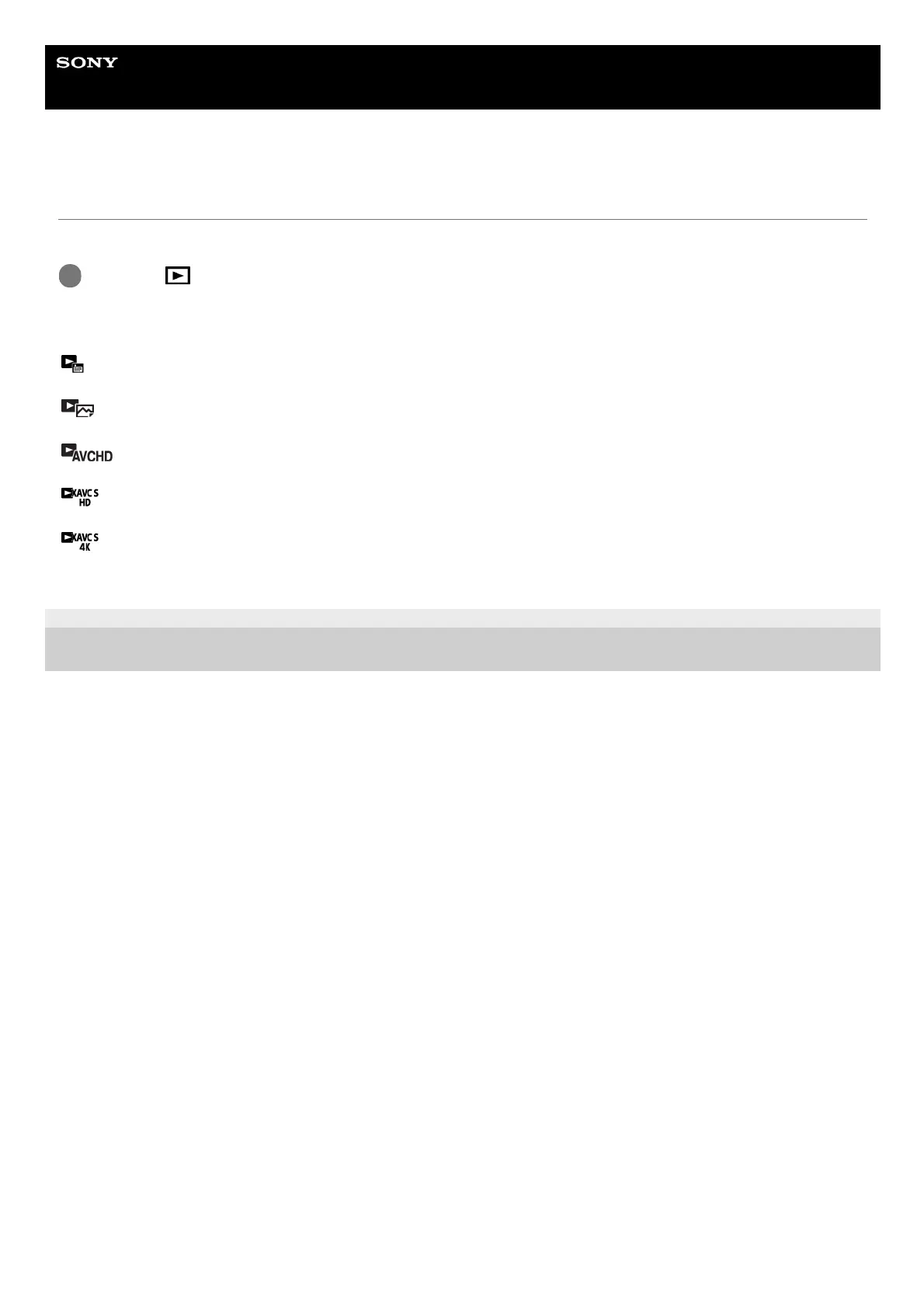
Date View:
Displays the images by date.
Folder View(Still):
Displays only still images.
AVCHD View:
Displays only AVCHD-format movies.
XAVC S HD View:
Displays only XAVC S HD-format movies.
XAVC S 4K View:
Displays only XAVC S 4K-format movies.
4-732-947-11(1) Copyright 2018 Sony Corporation
MENU →
(Playback) → [View Mode] → desired setting.
1



 To Next Page