Help Guide
Interchangeable Lens Digital Camera
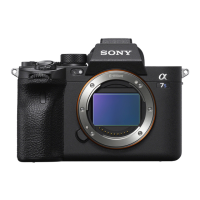
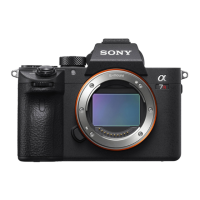
ILCE-7M3 α7III
NTSC/PAL Selector
Plays back movies recorded with the product on a NTSC/PAL system TV.
Note
If you insert a memory card that has previously been formatted with a different video system, a message telling you that you must
reformat the card will appear.
If you want to record using another system, re-format the memory card or use another memory card.
When you perform [NTSC/PAL Selector], and the setting is changed from the default one, a message "Running on NTSC." or
"Running on PAL." will appear on the start-up screen.
When [NTSC/PAL Selector] is set to PAL, the viewfinder or monitor of the camera or the screen of an HDMI-connected device
may black out for an instant in the following situations. This is not a malfunction.
When you start or stop recording movies while the shooting mode is set to a mode other than
(Movie) or .
When you change the shooting mode from
(Movie) or to another mode.
When you play back a movie for the first time after switching to the playback mode.
4-732-947-11(1) Copyright 2018 Sony Corporation
MENU →
(Setup) → [NTSC/PAL Selector] → [Enter]
1


 To Next Page