Help Guide
Interchangeable Lens Digital Camera
ILCE-7M3 α7III
Attaching/removing a lens
Turn off the camera before attaching or removing the lens.
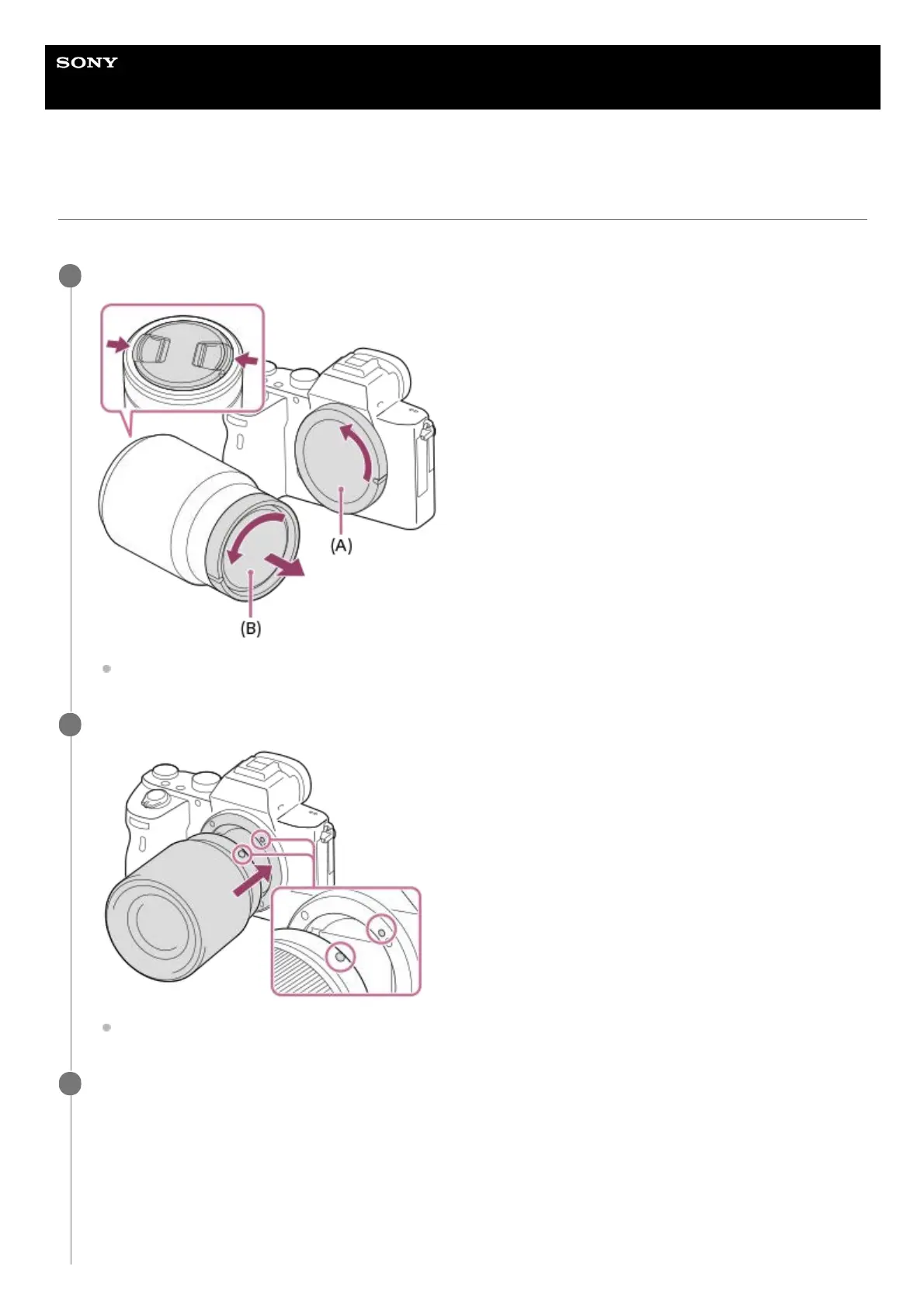
Remove the body cap (A) from the camera and the rear lens cap (B) from the rear of the lens.
It is recommended that you attach the front lens cap when you have done shooting.
1
Mount the lens by aligning the two white index marks (mounting indexes) on the lens and camera.
Hold the camera with the lens mount facing down to prevent dust and debris from entering the camera.
2
While pushing the lens lightly toward the camera, turn the lens slowly in the direction of the arrow until it
clicks into the locked position.
3



 To Next Page