FTP Help Guide
Setting up a wired LAN (ILCE-9 only)
Configure the settings to connect the camera to the network using a wired LAN.
Menu item details
IP Address Setting:
Select [Auto] or [Manual].
Disp MAC Address:
Displays the wired LAN MAC address of this product.
IP Address:
If you have set [IP Address Setting] to [Manual], enter the fixed address.
Subnet Mask /Default Gateway/Primary DNS Server/Second DNS Server:
If you have set [IP Address Setting] to [Manual], enter each address according to your network environment.
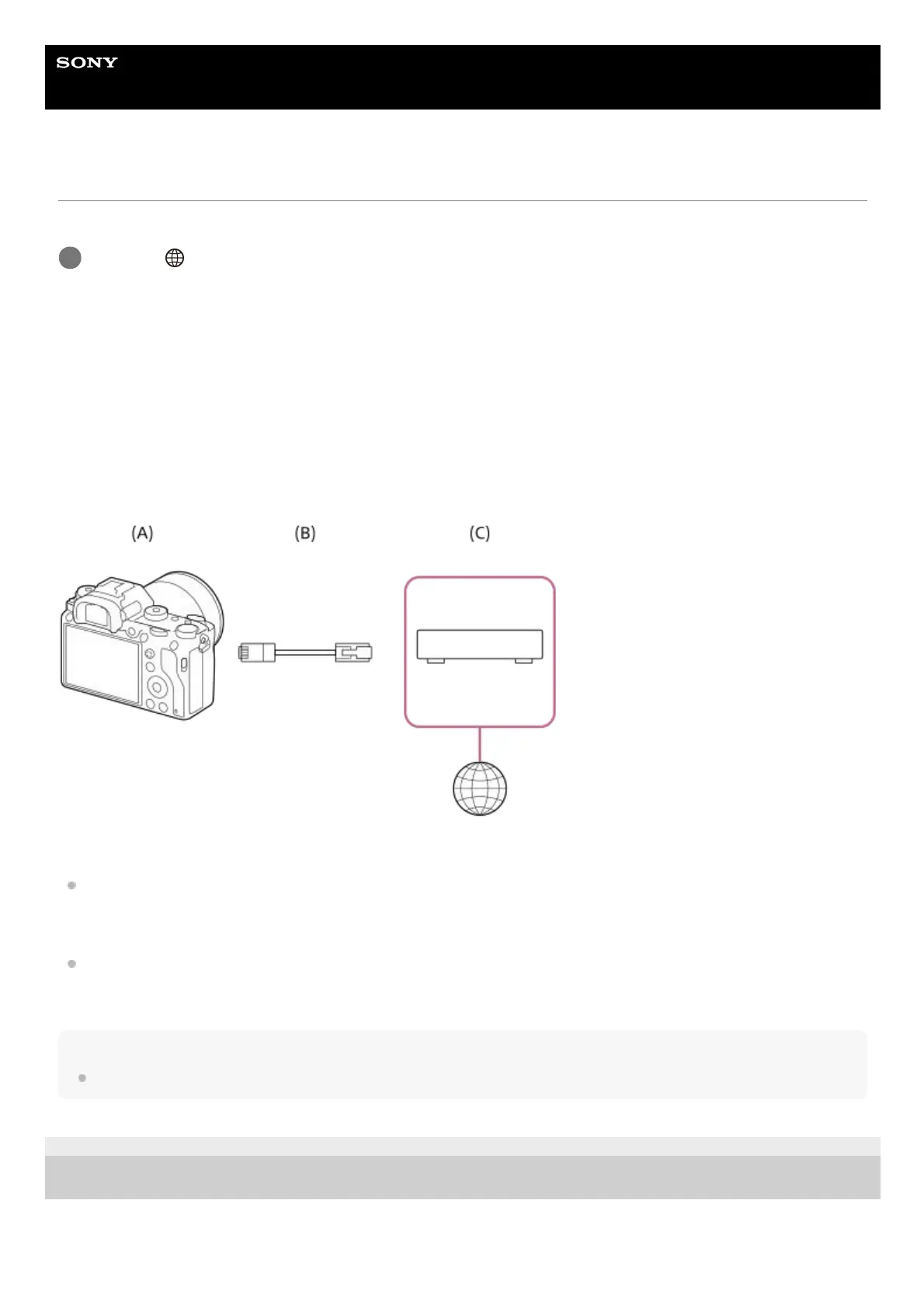
(A) Camera
For the location of the LAN terminal, see the “Help Guide” for the camera.
(B) LAN cable (sold separately)
Use a Category 5e or higher Shielded Twisted Pair (STP) cable with high shielding performance.
(C) Router (sold separately)
Hint
For details on how to input using the software keyboard, see the “Help Guide” for the camera.
C-484-100-16(1) Copyright 2017 Sony Corporation
MENU →
(Network) → [Wired LAN Settings] → desired setting.
1



 To Next Page