ILCE-7RM4
5-007-325-41(2)
GB
20
C:\01_Compose\5007325412\5007325412ILCE7RM4CEC\01GB-ILCE7RM4CEC\020PRE.indd
DTP data saved: 2019/06/24 11:57
PDF file created: 2019/06/24 12:01
4
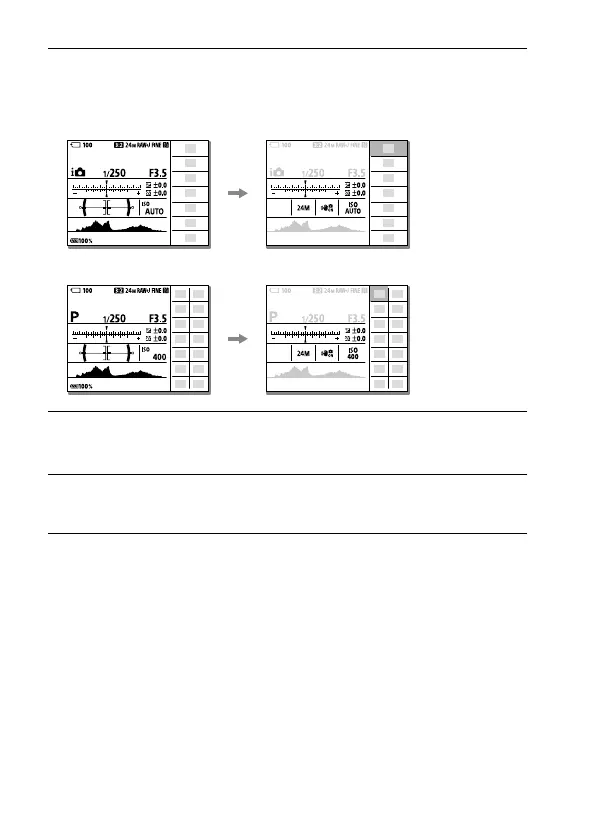
Press the Fn button to switch to the Quick Navi screen.
• The displayed contents and their positions in the illustrations are just
guidelines, and may differ from the actual displays.
Auto mode
P/A/S/M mode
5
Select a function to set by pressing the top/bottom/left/right
side of the control wheel.
6
Select the desired setting by turning the front dial.
• Some functions can be fine-tuned using the rear dial.



 To Next Page