ILCE-7RM4
5-007-325-41(2)
DE
47
C:\01_Compose\5007325412\5007325412ILCE7RM4CEC\03DE-ILCE7RM4CEC\030BAS.indd
DTP data saved: 2019/06/24 12:07
PDF file created: 2019/06/24 12:10
DE
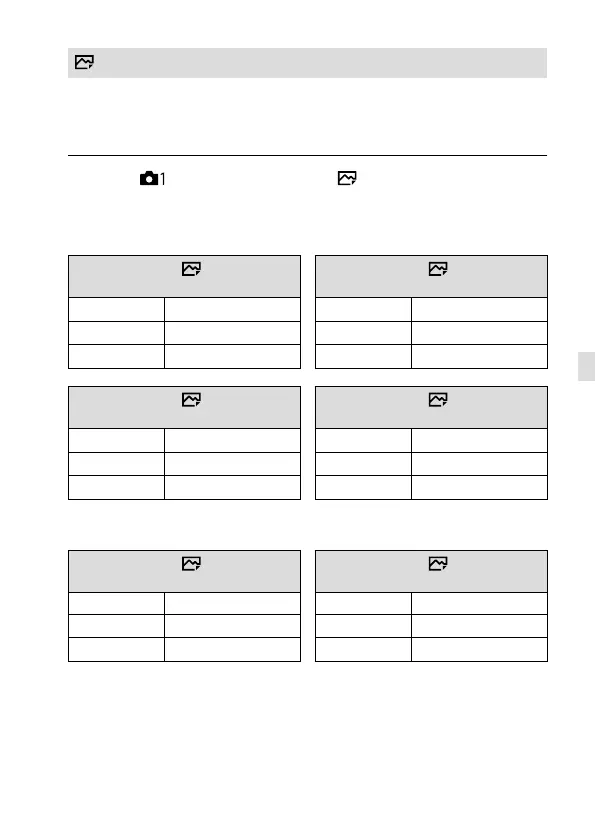
JPEG-Bildgröße
Je größer die Bildgröße ist, desto mehr Details werden beim Ausdruck des
Bilds im Großformat wiedergegeben. Je kleiner die Bildgröße, desto mehr
Bilder können aufgenommen werden.
MENU (Kamera- einstlg.1) [ JPEG-Bildgröße]
gewünschte Einstellung.
Bei Aufnahme im Vollbildformat
Bei Einstellung von [ Seitenverhält.]
auf 3:2
Bei Einstellung von [
Seitenverhält.]
auf 4:3
L: 60M
9504×6336 Pixel
L: 54M
8448×6336 Pixel
M: 26M
6240×4160 Pixel
M: 23M
5552×4160 Pixel
S: 15M
4752×3168 Pixel
S: 13M
4224×3168 Pixel
Bei Einstellung von [ Seitenverhält.]
auf 16:9
Bei Einstellung von [
Seitenverhält.]
auf 1:1
L: 51M
9504×5344 Pixel
L: 40M
6336×6336 Pixel
M: 22M
6240×3512 Pixel
M: 17M
4160×4160 Pixel
S: 13M
4752×2672 Pixel
S: 10M
3168×3168 Pixel
Bei Aufnahme im APS-C entsprechenden Format
Bei Einstellung von [ Seitenverhält.]
auf 3:2
Bei Einstellung von [
Seitenverhält.]
auf 4:3
L: 26M
6240×4160 Pixel
L: 23M
5552×4160 Pixel
M: 15M
4752×3168 Pixel
M: 13M
4224×3168 Pixel
S: 6.5M
3120×2080 Pixel
S: 5.8M
2768×2080 Pixel



 To Next Page