ILCE-7RM4
5-007-325-41(2)
GB
59
C:\01_Compose\5007325412\5007325412ILCE7RM4CEC\01GB-ILCE7RM4CEC\100MEN.indd
DTP data saved: 2019/06/24 11:58
PDF file created: 2019/06/24 12:01
GB
GB
59
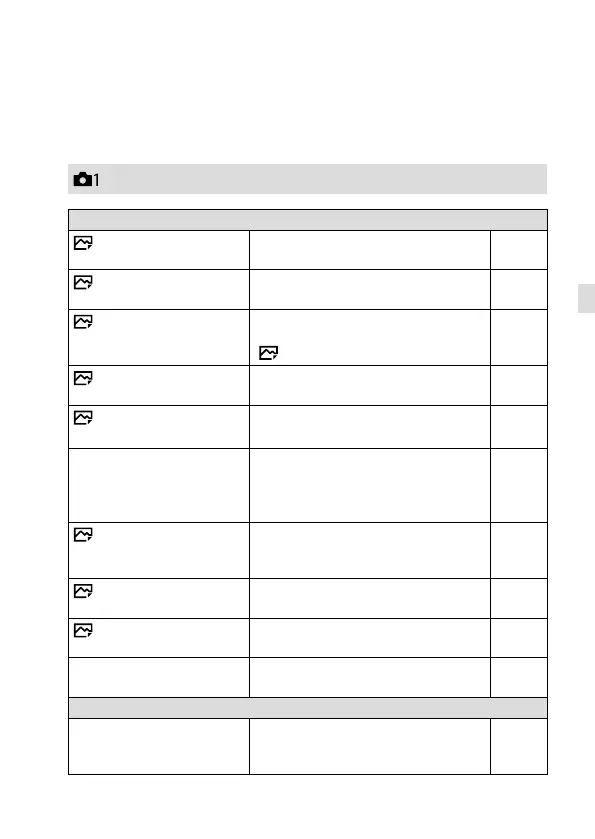
List of MENU items
For details on each MENU items, refer to the reference page in the last
column or the Help Guide.
(Camera Settings 1)
Quality/Image Size
File Format
Sets the file format for still images.
([RAW]/ [JPEG], etc.)
45
RAW File Type
Selects the file type for RAW images. Help
Guide
JPEG Quality
Selects the JPEG image quality
for [RAW & JPEG] or [JPEG] under
[ File Format].
45
JPEG Image Size
Selects the size of still images.
(L/ M/ S)
46
Aspect Ratio
Selects the aspect ratio for still
images.
Help
Guide
APS-C/Super 35mm
Sets whether to record in
APS-C-equivalent size for still images
and Super 35 mm-equivalent size for
movies.
47
Long Exposure NR
Sets noise reduction processing for
shots with a shutter speed of 1 second
or longer.
Help
Guide
High ISO NR
Sets noise reduction processing for
high-sensitivity shooting.
Help
Guide
Color Space
Changes the color space (range of
reproducible colors).
Help
Guide
Lens Comp.
Selects the type of lens
compensation.
Help
Guide
Shoot Mode/Drive
Drive Mode
Sets the drive mode, such as for
continuous shooting.
([Self-timer]/ [Cont. Bracket], etc.)
39,
Help
Guide
Red tab



 To Next Page