37
GB
Additional Information
KLV-46/40/32V400A
3-300-887-11(2)
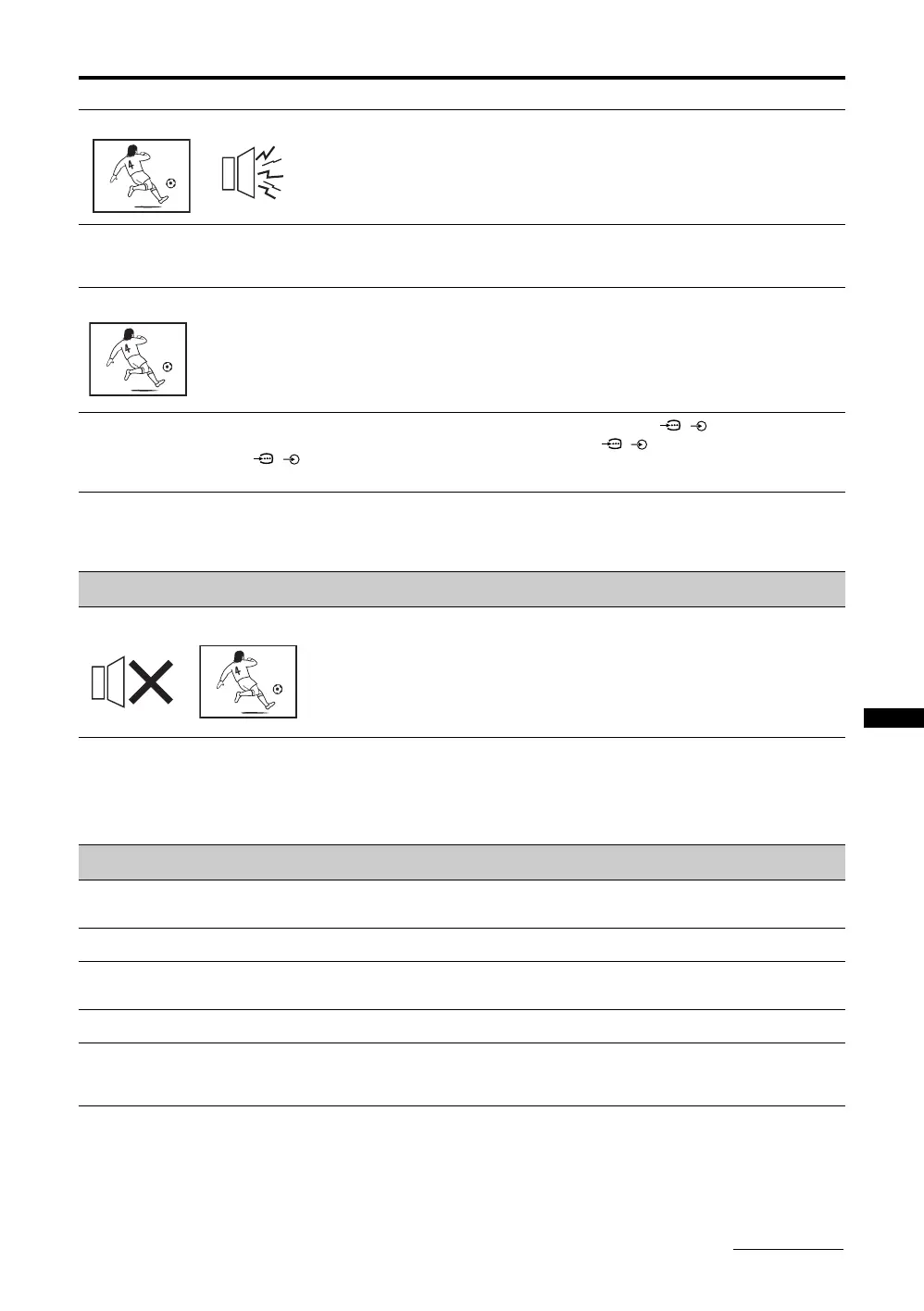
Good picture, but noisy sound • The TV system setting is inappropriate.
• If the sound of all the channels are noisy, perform “Auto Tuning” in the “Channel
Set-up” menu to preset the channel again (page 33).
• If the sound of some channels is noisy, select the channel, then perform “Manual
Programme Preset” in the “Channel Set-up” menu, and select the appropriate TV
system (“TV System”) (page 34).
Some tiny black points and/or
bright points appear on the
screen
• The picture of a display unit is composed of pixels. Tiny black points and/or bright
points (pixels) on the screen do not indicate a malfunction.
No colour on programmes • Select “Reset” in the “Picture” menu to return to the factory settings (page 26).
No colour or irregular colour
when viewing a signal from the
Y, P
B/CB, PR/CR jacks of /
1 or 2
• Check the connection of the Y, P
B/CB, PR/CR jacks of / 1 or 2.
• Make sure that the Y, P
B/CB, PR/CR jacks of / 1 or 2 are firmly seated in their
respective jacks.
Picture flashes initially when
changing to HDMI mode or
switching on the TV with HDMI
mode
• This is probably caused by the authentication process between HDMI equipment
and the TV. It does not indicate a malfunction.
Sound
No sound, but good picture • Press 2 +/– or % (Mute).
• Check if the “Speaker” is set to “TV Speaker” from the “AV Set-up” menu in “Set-
up” menu (page 30).
Stereo broadcast sound
switches on and off, or is
distorted; the sound switches
between stereo and monaural
frequently
• The antenna connection is loose or the antenna cable is damaged. Check the cable
and connection on the TV, VCR, and on the wall (page 5).
• Adjust the antenna direction for the minimum interference. Contact a Sony dealer
for advice.
• Signal transmission is low. Try using a booster. Otherwise, use the fine tuning
(“AFT”) function (page 34).
General
The TV turns off automatically
(the TV enters standby mode)
• Check if the “Sleep Timer” is activated, or confirm the “Duration” setting of “On
Timer” (page 31).
The TV turns on automatically • Check if the “On Timer” is activated (page 31).
Some input sources cannot be
selected
• Select “Video Labels” in the “AV Set-up” menu and cancel “Skip” of the input
source (page 29).
The remote does not function • Replace the batteries.
The “Store Display Mode: On”
message appears on the
screen
• Select “Factory Settings” in the “Set-up” menu (page 31).
Problem Cause/Remedy
Continued






 To Next Page