Related information
Using the Quick Access
Enjoying seamless playback using the linked Sony brand headphones (Auto Switch)
SRS-LS1
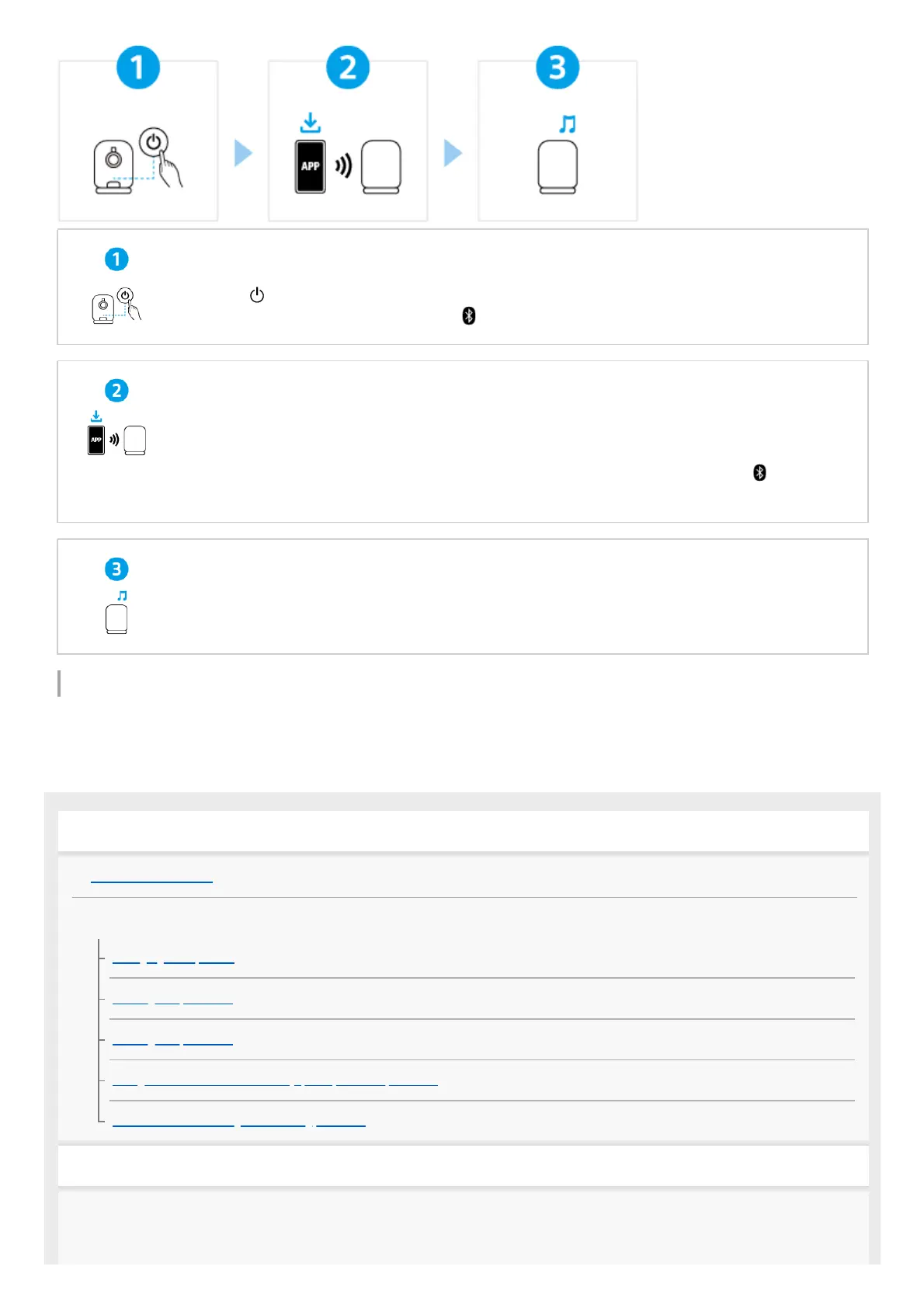
Turning the power on
Press the (power) button. When you use the speaker for the first time after purchase, the speaker
automatically enters pairing mode and the (BLUETOOTH) indicator starts double flashing.
Connecting with BLUETOOTH
®
devices
Follow the instructions on the downloaded “Sony | Sound Connect” app to establish a BLUETOOTH
connection between the speaker and your smartphone or iPhone. When a BLUETOOTH connection
is established, you hear the notification sound from the speaker and the activity of the
(BLUETOOTH) indicator changes from flashing to lit.
Listening to music
Start playback on a BLUETOOTH device.
Getting started
Parts and controls
Power source/charging
Charging the speaker
Turning the power on
Turning the power off
Using the BLUETOOTH standby (auto power on) function
Automatic Power Off (power saving) function
Making connections
BLUETOOTH device



 To Next Page