Getting to know your device
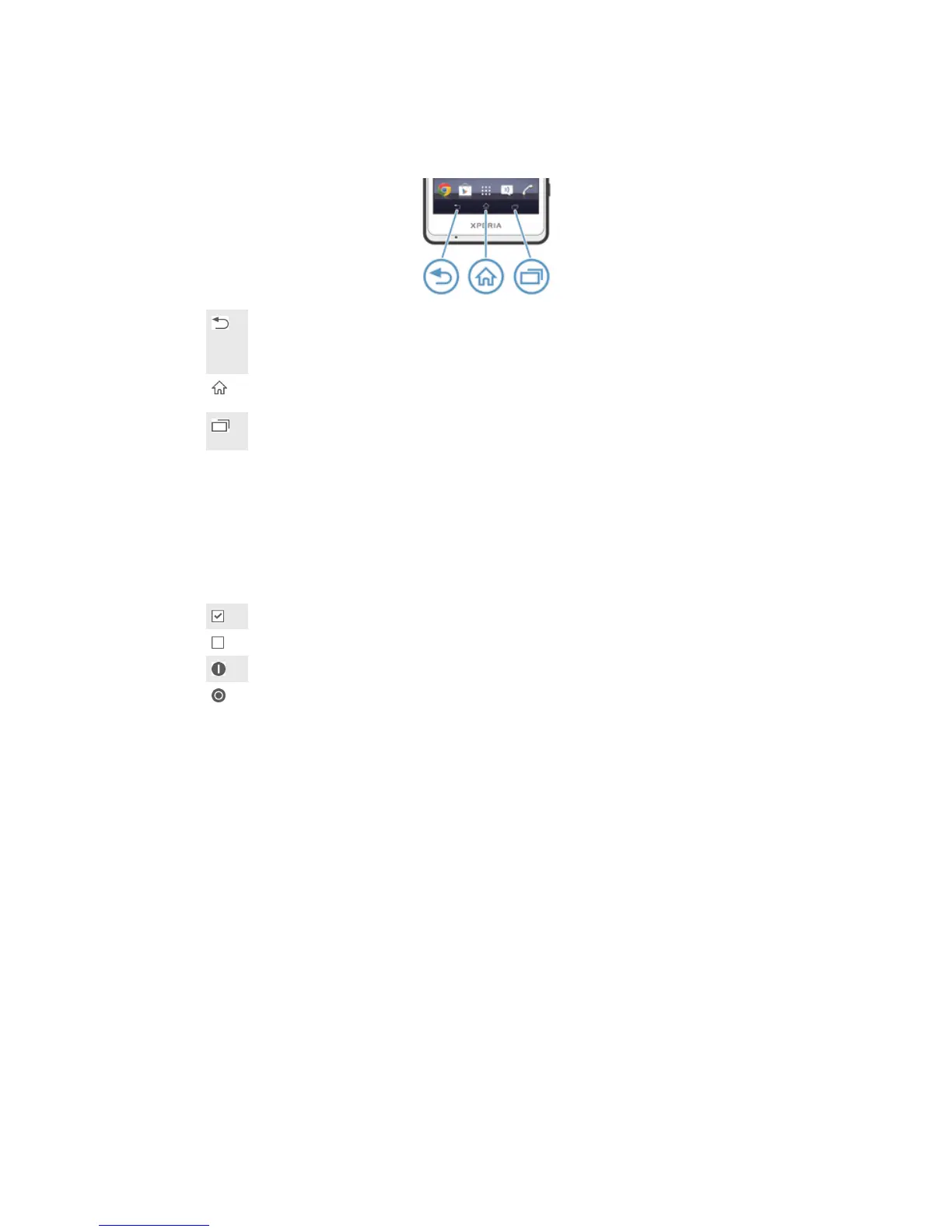
Using the keys
Back
•
Go back to the previous screen
•
Close the on-screen keypad, a dialog box, an options menu, the Notification panel, or an
application
Home
•
Go to the Home screen
Task
•
Tap to open a window showing your most recently used applications and a small apps bar
Using the touchscreen
To open or highlight an item
•
Tap the item.
Marking options
Marked checkbox
Unmarked checkbox
Switched on
Switched off
To mark or unmark options
•
Tap the relevant checkbox or the switch beside the option name.
Zooming
The zoom options available depend on the application you are using.
13
This is an Internet version of this publication. © Print only for private use.













 To Next Page